9
Chapter 1: Knowing your wireless router DSL-N12E
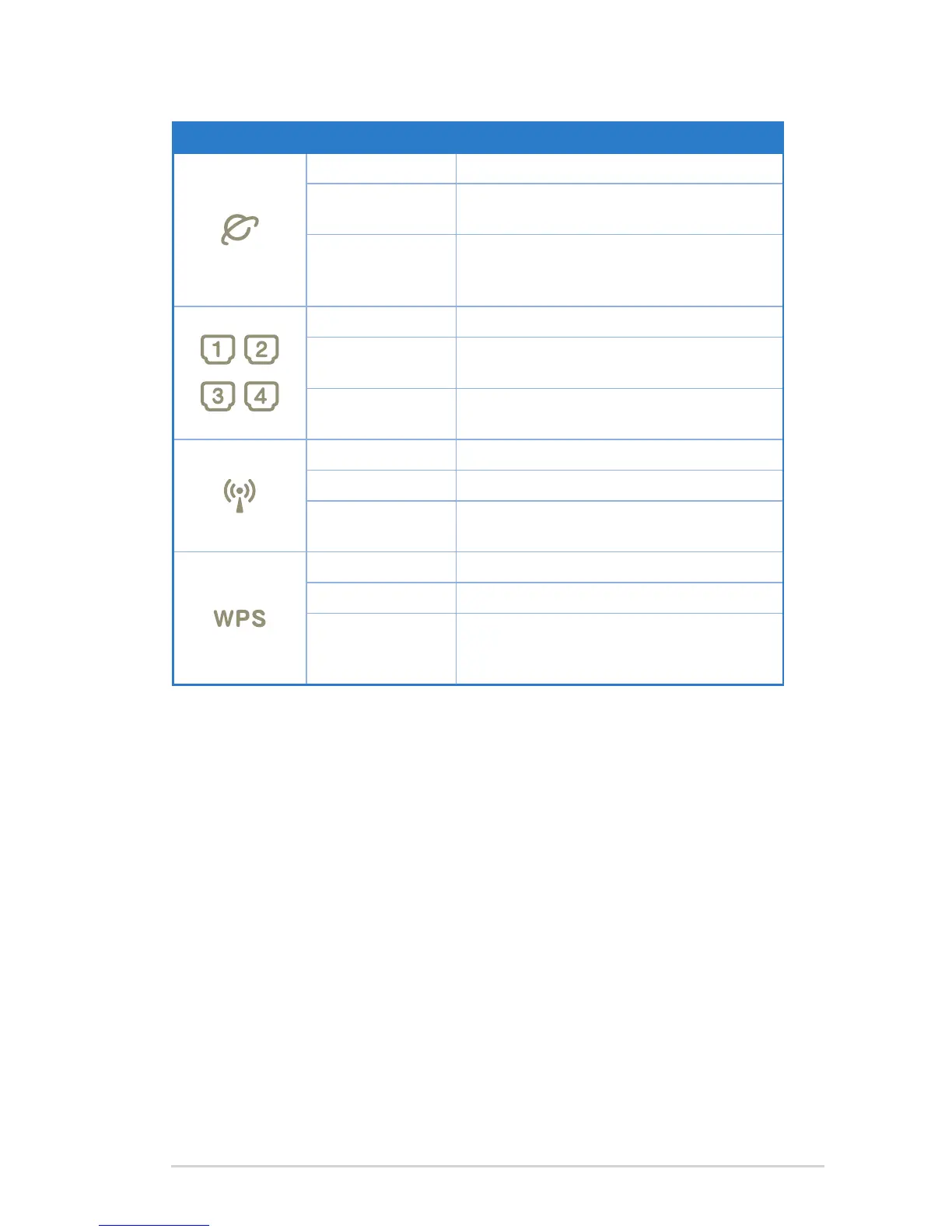
Status indicators
LED Status Indication
Off No connection or in bridge mode.
Flashing Internet data is transmitted in the routing
mode.
On The Internet connection is normal in the
routing mode and no Internet data is
being transmitted.
Off No power or no physical connection
On Has physical connection to an Ethernet
network.
Flashing Transmitting or receiving data (through
Ethernet cable)
Off Inactive WLAN connection
On Active WLAN connection
Flashing Transmitting data through the WLAN
interface
Off Inactive WPS connection
On WPS connection is successful
Flashing WPS is active and the wireless router
is waiting for the client to successfully
connect to it.



 To Next Page