27
Chapter 4: Conguring via the web GUI DSL-N12E
Conguring the local area network (LAN) settings
The LAN page allows you to congure your local area network (LAN) settings.
To congure the LAN settings:
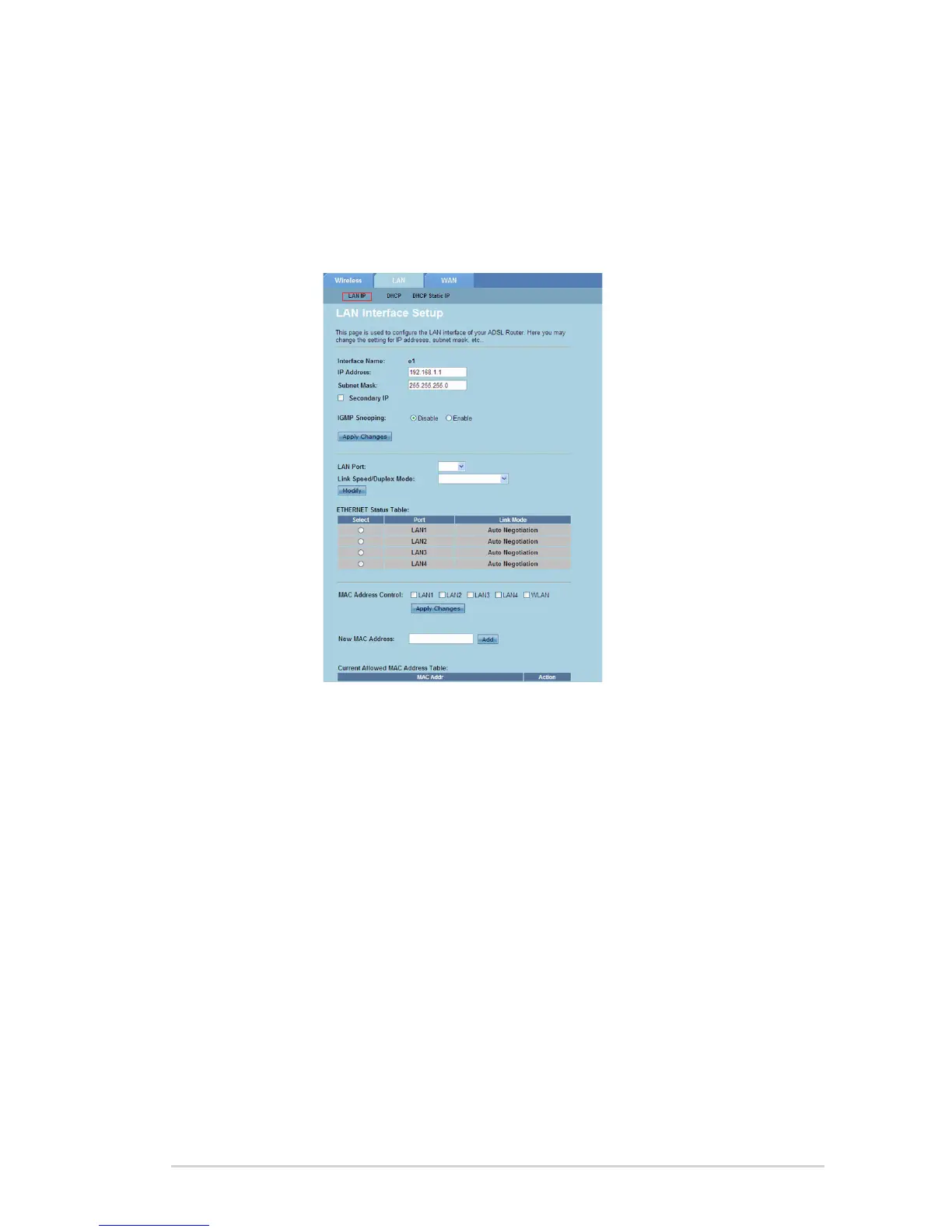
Click Network > LAN tab > LAN IP. In the LAN Interface Setup screen, key in
the Interface Name, IP Address, and Subnet Mask.
Click Apply Changes to apply the settings made.
1.
2.
Conguring the LAN IP settings
The LAN IP Interface Setup page allows you to congure the interface of your local
area network.



 To Next Page