43
Chapter 4: Conguring via the web GUI DSL-N12E
Backing up/Restoring the settings
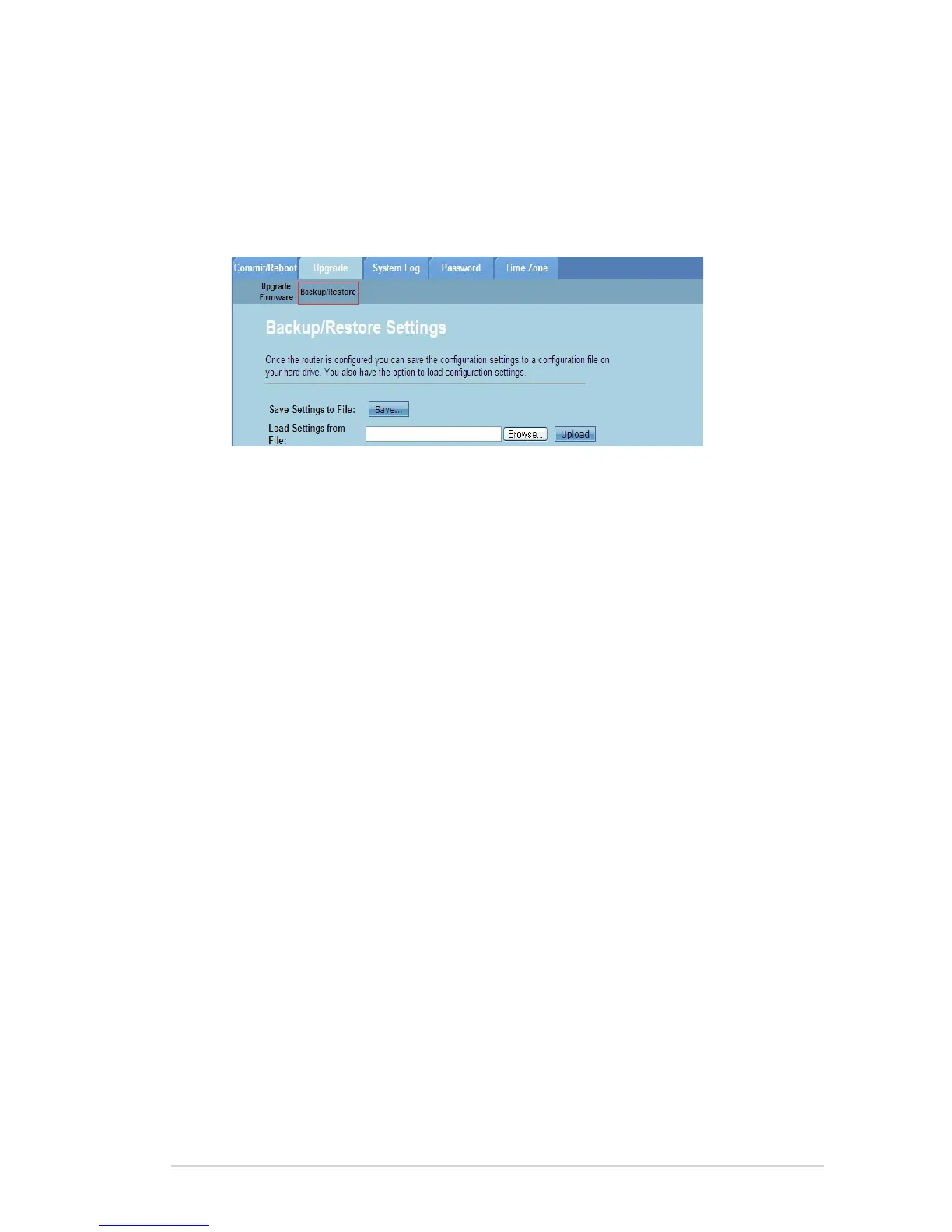
The Backup/Restore Settings page allows you to backup or save the conguration
settings to a le in your preferred path and to restore the wireless router’s settings
using the saved conguration le.
To backup the settings:
Click Administration > Upgrade tab > Backup/Restore.
In the Save Settings to File eld, click Save to save the conguration
settings to your preferred path.
To restore the settings:
Click Administration > Upgrade tab > Backup/Restore.
In the Load Settings from File eld, click Browse to locate the saved
conguration le.
1.
2.
1.
2.



 To Next Page