38
DSL-N12E Chapter 4: Conguring via the web GUI
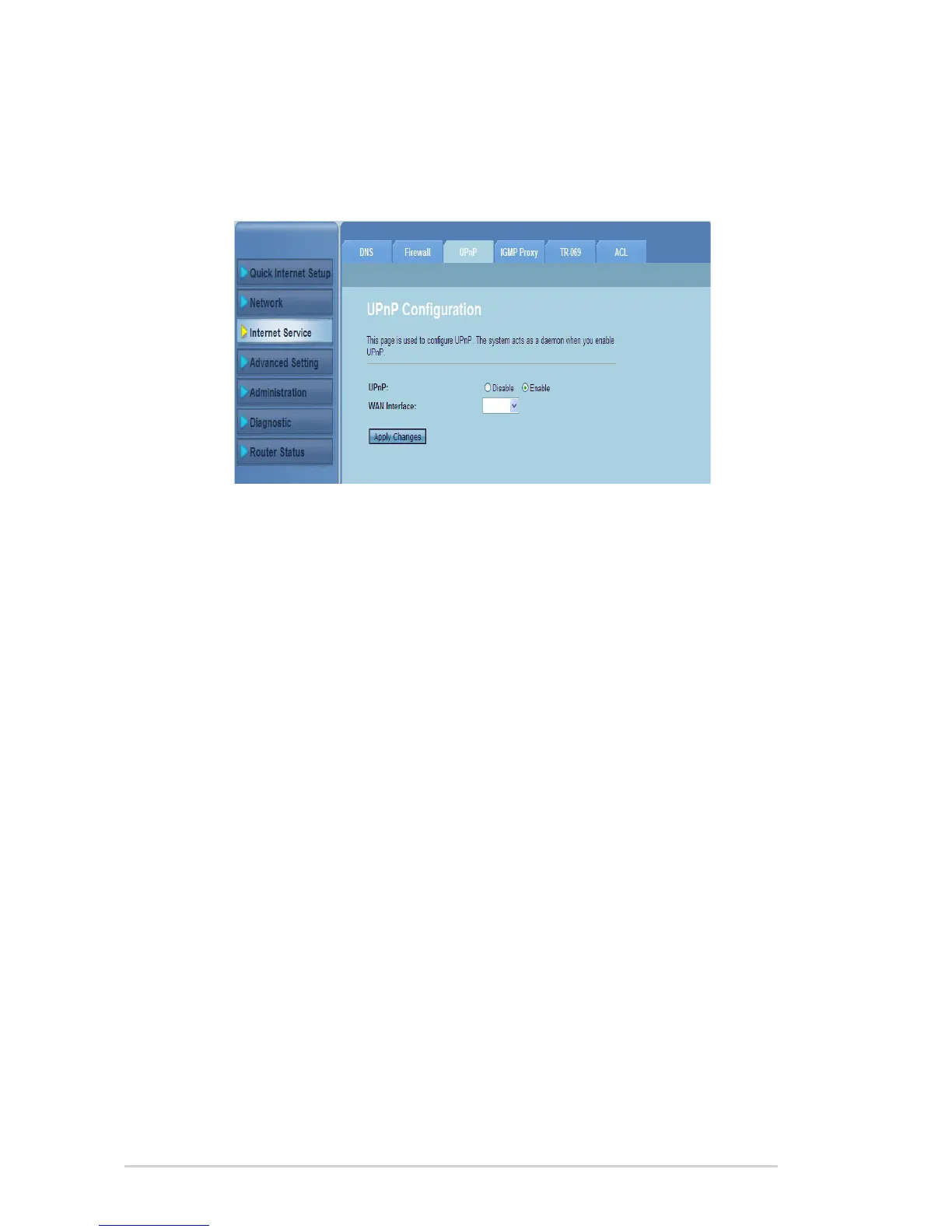
Conguring the UPnP settings
The UPnP (Universal Plug and Play) Conguration page allows you to access the
media of the UPnP devices found in your network.
To congure the UPnP settings:
Click Internet Service > UPnP tab.
In the UPnP eld, tick Enable to enable UPnP connection.
In the WAN Interface dropdown list, choose a network protocol group to
enable the UPnP connection.
Click Apply Changes to save the settings.
1.
2.
3.
4.



 To Next Page