37
Chapter 4: Conguring via the web GUI DSL-N12E
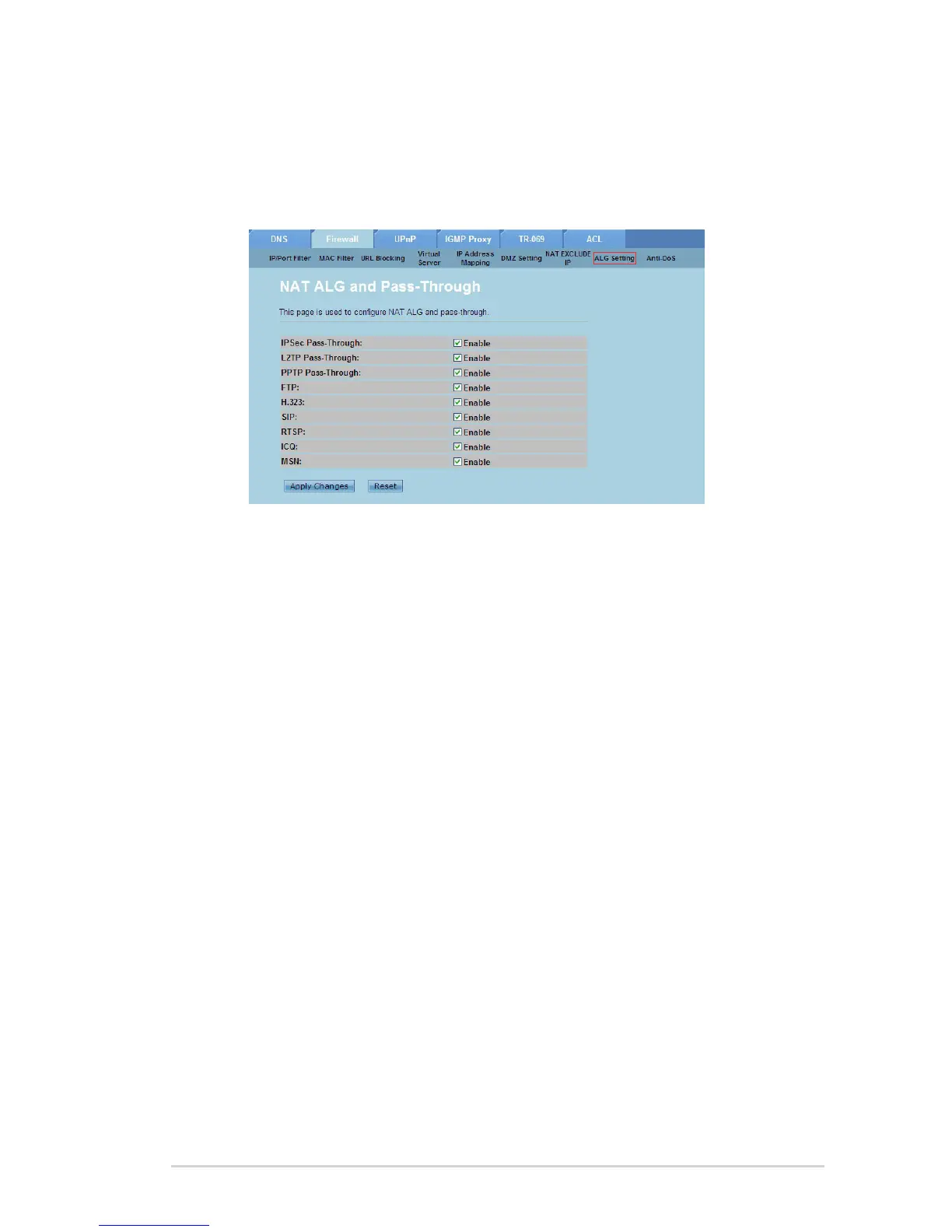
Conguring the ALG settings
The NAT ALG and Passthrough page allows you to allow certain protocols or
applications to pass through your network’s rewall.
To congure the ALG settings:
Click Internet Service > Firewall tab > ALG Setting.
Select the protocols or applications that you want to enable.
Click Apply Changes to save the settings made.
1.
2.
3.



 To Next Page