8
DSL-N12E Chapter 1: Knowing your wireless router
• Keep the device away from transformers, heavy-duty motors, uorescent lights,
microwave ovens, refrigerators, and other industrial equipment to prevent
signal loss.
• Install the device in a central area to provide ideal coverage for all wireless
mobile devices.
• Install the device at least 20cm from a person to insure that the product is
operated in accordance with the RF Guidelines for Human Exposure adopted
by the Federal Communications Commission.
Hardware features
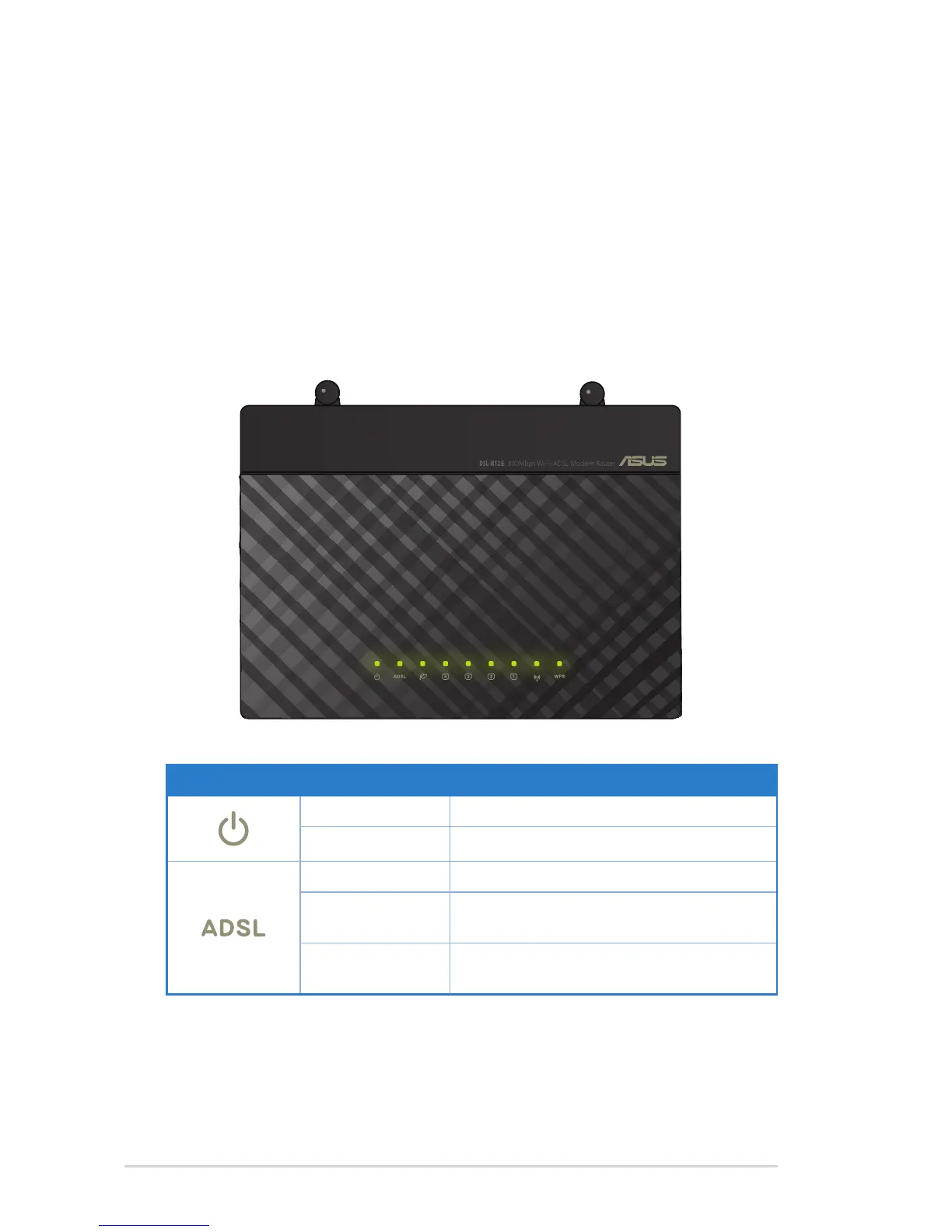
Top panel
LED Status Indication
Off No power
On Power on
Slow Flash No signal detected
Fast Flash The device is synchronizing with the DSL
device
On The device is connected to the DSL
device.



 To Next Page