44
DSL-N12E Chapter 4: Conguring via the web GUI
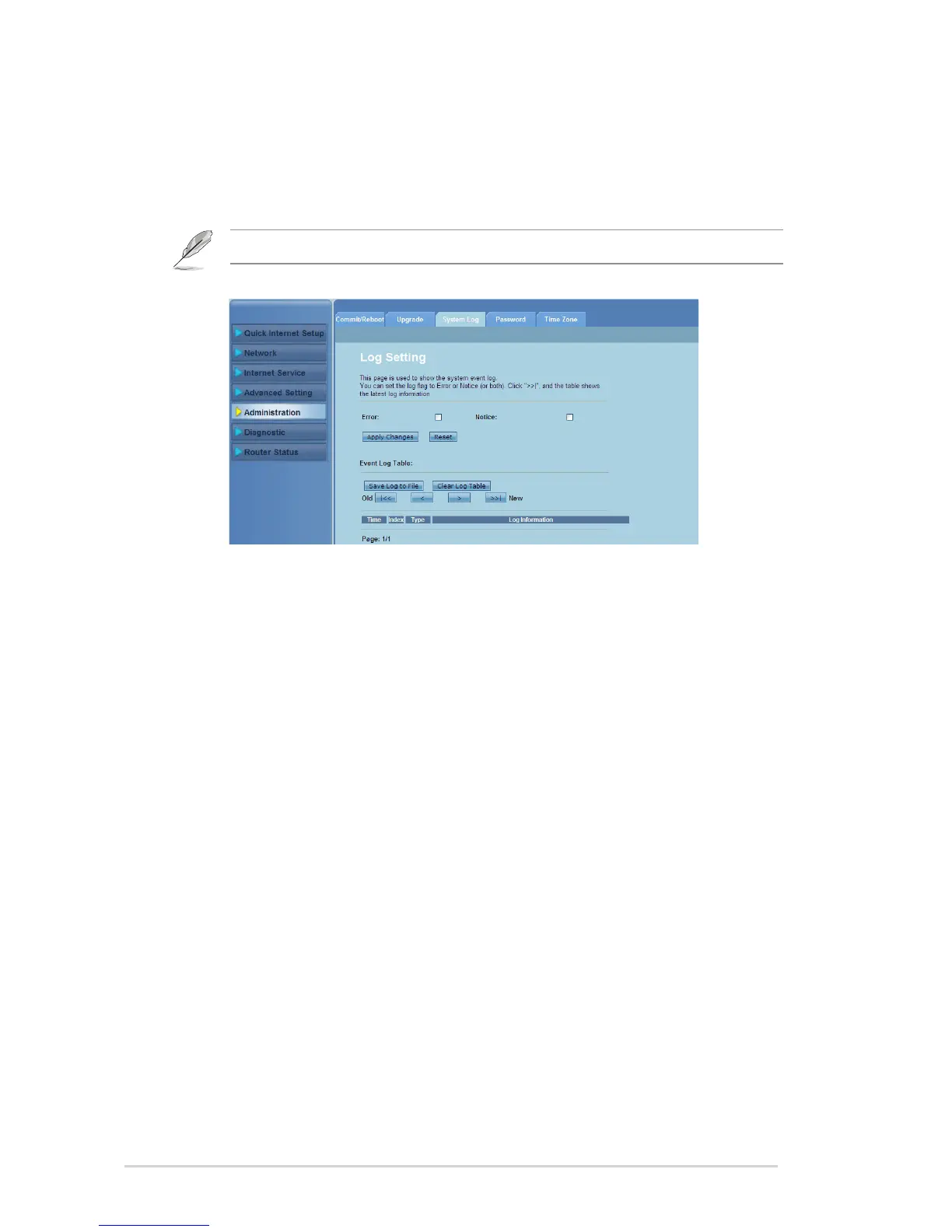
Conguring the System Logs
The Log Setting page allows you to enable or disable the system log function and
view the system logs.
Note: You can tick both boxes to view the system logs in the Events Log Table.
To congure the system log settings:
Click Administration > System Log tab.
Check the Error and Notice boxes to view the system event logs.
Click Apply Changes. The log information (Error and Notice logs) will be
shown in the Events Log Table.
Click Save Log to File to save a copy of logs information to your local drive.
Click Clear Log Table to clear the system logs from the table.
1.
2.
3.
4.
5.



 To Next Page