15
Chapter 2: Getting started DSL-N12E
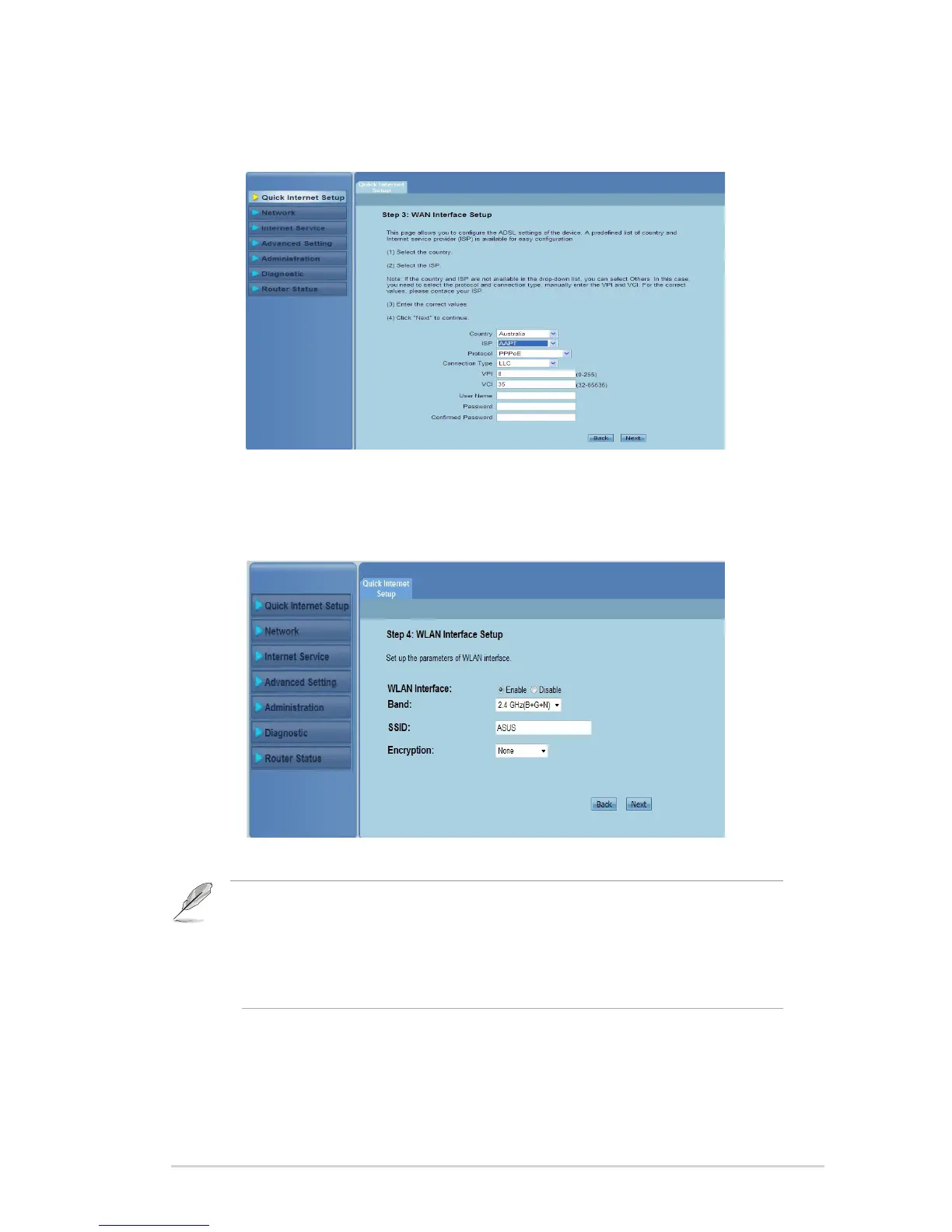
In Step 3: WAN Interface Setup page, ll in the necessary information,
and click Next.
4.
In Step 4: WLAN Interface Setup page, set up the parameter for your
WLAN network.
5.
Notes:
• Do not include quotation marks (" or ') in your SSID or use spaces as the start of your SSID.
• For WPA pre-shared key and WEP key settings, neither use quotation marks (" or '), angle
brackets (>), square brackets (]) and spaces as the start of your key nor use two spaces in
between.



 To Next Page