6-6
Rubber Track Loader
6. Operator Enclosure
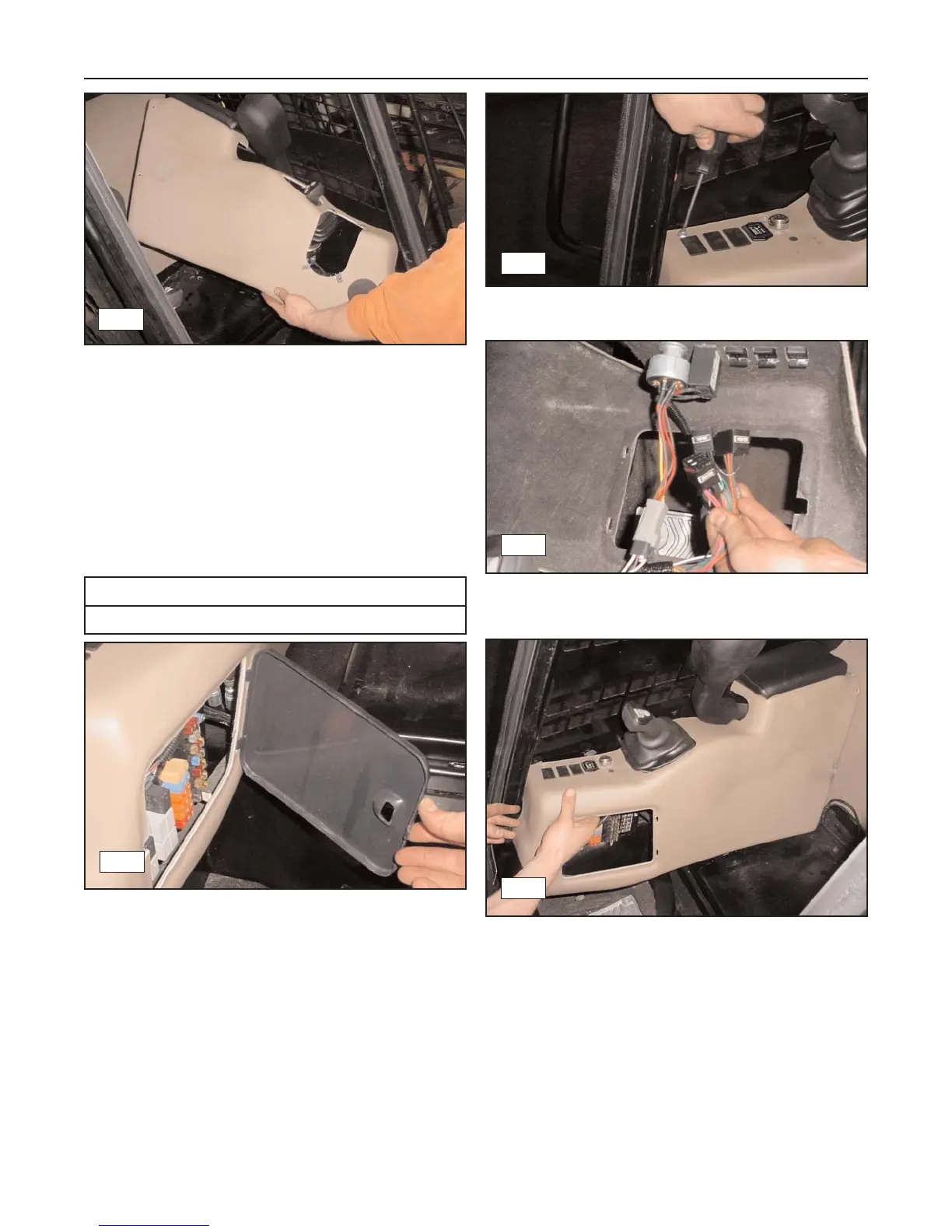
3. Remove the panel by lifting and twisting it over the
joystick and clear of the lap bar. (fig. 6-27)
Installation
1. To reinstall the left interior side panel, reverse the
removal procedure.
Interior Side Panel, RT (MP-2)
Removal
1. Remove the fuse panel access cover. (fig. 6-28)
2. Remove the mounting screws (6) and washers
securing the panel to the chassis. (fig. 6-29)
3. Disconnect the ignition switch, hour meter, and any
other switches from the cab harness. (fig. 6-30)
4. Remove the panel by lifting and twisting it over the
joystick and clear of the lap bar. (fig. 6-31)
Installation
1. To re-install the right interior side panel, reverse
the removal procedure.
6-27
Required Tools
Phillips Type Screwdriver
6-28
6-29
6-31
6-30



 To Next Page