RT-75 / RT-75HD US O&M
0405-073 2020-07
4 MACHINE DESCRIPTION / CONTROLS
49
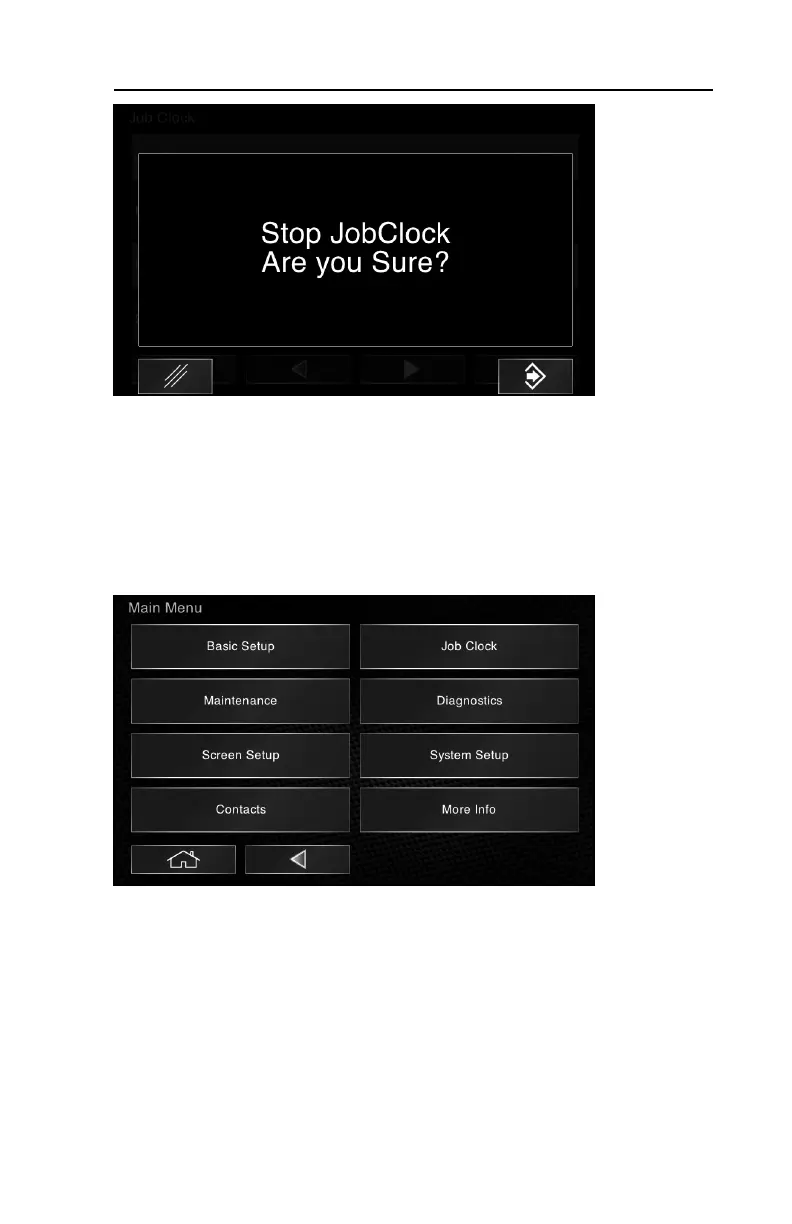
3.When the operator interface asks “are you sure?” select the
lower right icon to confirm and stop / reset the job clock.
Buzzers & Pop-ups
The machine is equipped with various notification methods to alert the operator to
items that require their attention during operation. However, if considered a dis-
traction, some may be disabled.
To disable buzzers:
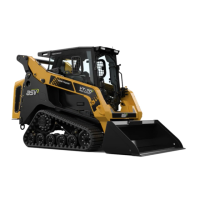
1.Select System Setup from the main menu.



 To Next Page