RT-75 / RT-75HD US O&M
0405-073 2020-07
4 MACHINE DESCRIPTION / CONTROLS
51
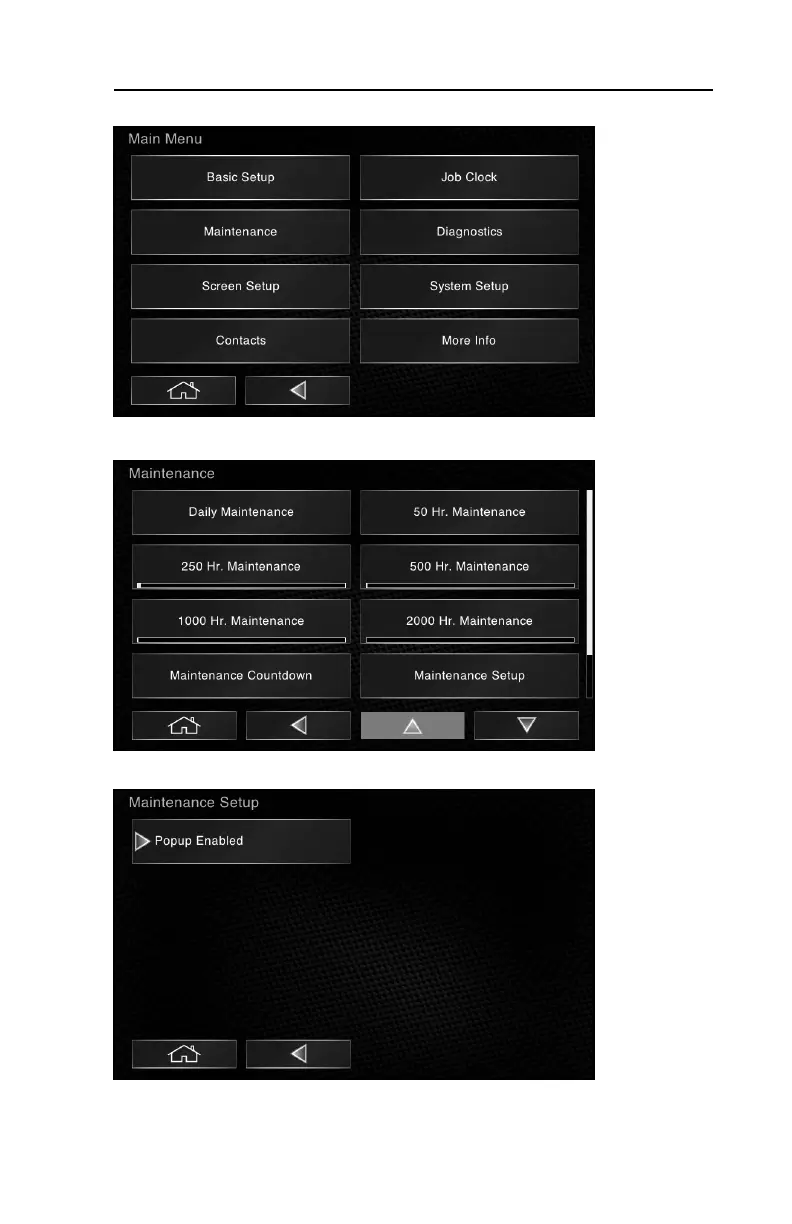
To disable maintenance pop-ups:
1.Select Maintenance from the main menu.
2.Select Maintenance Setup from the Maintenance sub-menu.
3.Select Popup Enabled and the arrow to the left of the icon will disappear indi-
cating maintenance pop-ups have been disabled. To re-enable, select the icon
again. If the arrow is present, pop-ups are enabled.



 To Next Page