RT-75 / RT-75HD US O&M
0405-073 2020-07
4 MACHINE DESCRIPTION / CONTROLS
57
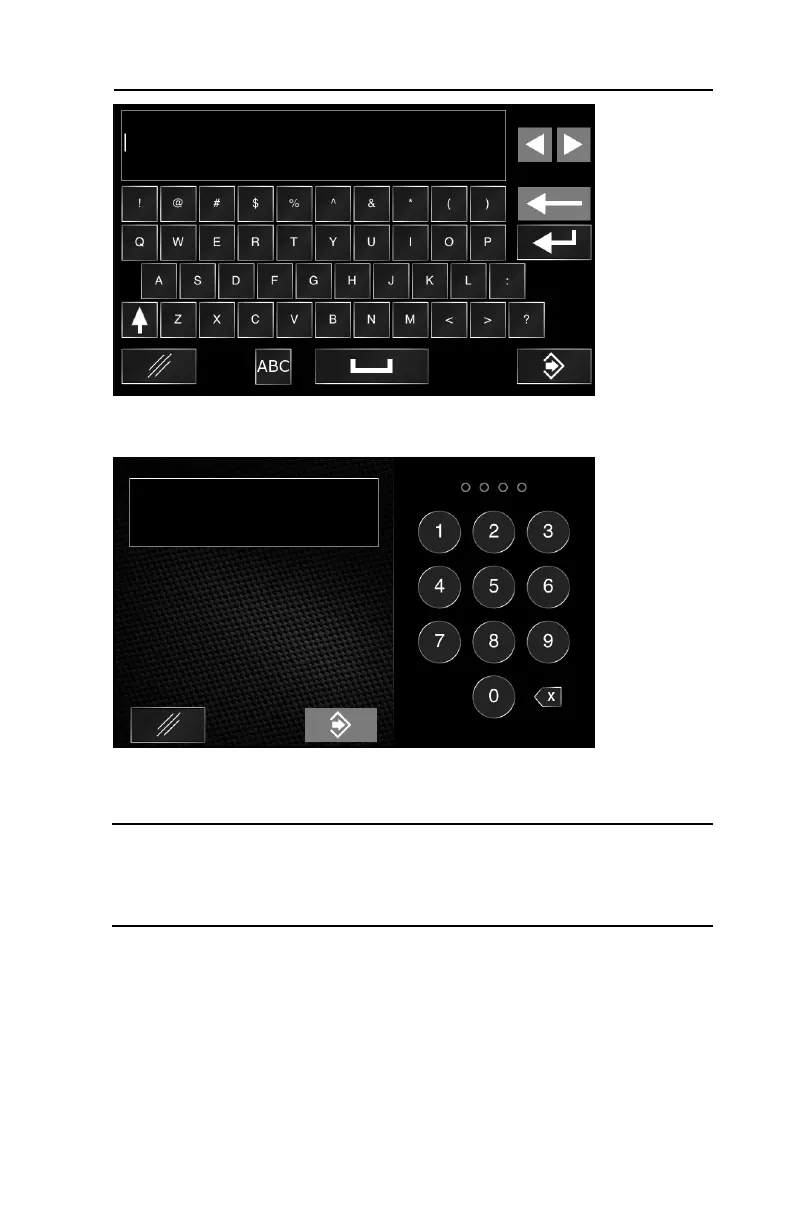
5.Enter your desired username and select confirm in the lower
right corner of the screen.
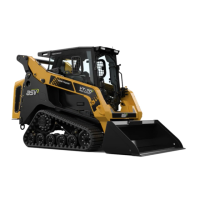
6.Enter your desired password and select confirm in the lower
right corner of the data entry screen.
Note: You will enter and confirm the new password twice when setting up a
new profile or changing passwords as you follow the on screen sequence. Turn
the key off and wait 10 seconds for the password change to take effect. Turn the
key on and access the desired user profile with the password set for that profile.
Forget your password?
If the password for a general user profile is forgotten, simply log in as the admin-
istrator and change the password as described in this section.
If the password for the administrator profile is forgotten, you must return to your
local dealer and have the operator interface reset.



 To Next Page