ATEL V810 Series
V810A and V810AD Data User Manual
V6.9, July 17, 2023
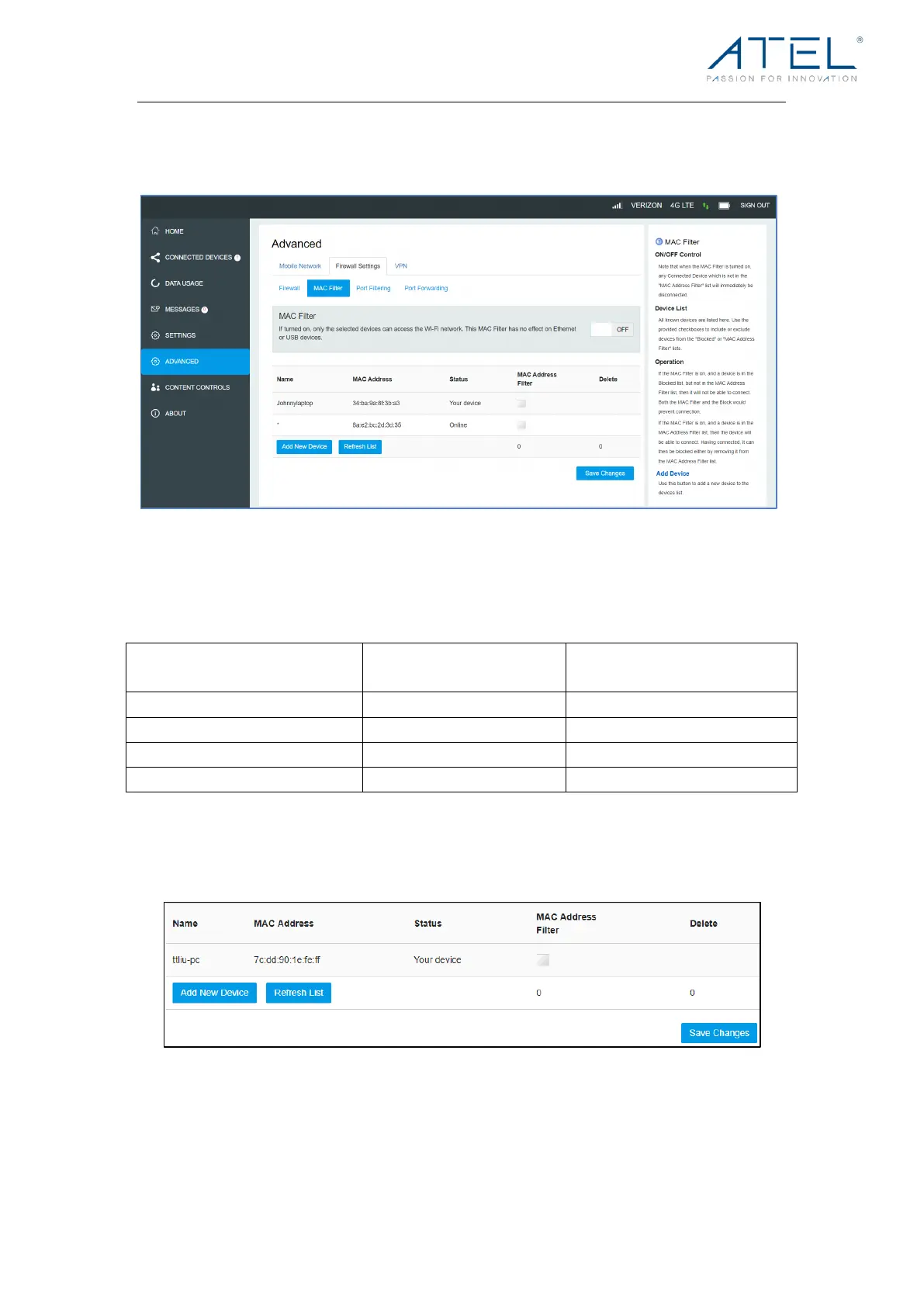
MAC Filter!
The default “MAC Filter” status is “OFF”. If the MAC Filter is on and devices are listed in
the MAC Address Filter list, then all the listed devices will be able to connect to your V810.
For any given device, the interaction of the MAC Filter with the “Block” feature on the
Connected Devices screen is shown in the following table.
Included in MAC Filter
List
The “Block” (Blacklist) feature is always available. After being blocked, the blocked
devices will disconnect from the V810.
Because enabling the MAC Filter could potentially disconnect all devices, the user needs
to populate the “MAC Address Filter” list first while the MAC Filter is OFF. Otherwise, when
you click the “ON/OFF” button, it will prompt warning information as follows:



 To Next Page