ATEL V810 Series
V810A and V810AD Data User Manual
V6.9, July 17, 2023
To p er fo rm a Po we r Re se t wh en th e V810 is powered via NiMH battery only: Press and hold
the power button for 5 seconds then release, the device will power off. Then press the
power button again and the device will power on.
Note: Unplug and disconnect all power source(s), then plug in and reconnect when
performing a Power Reset. Unplug the wall charger and remove the battery for 10 seconds.
Then, reinstall the battery and plug the charger back.
2. How do I perform a Device Reset using the RESET pin hole?
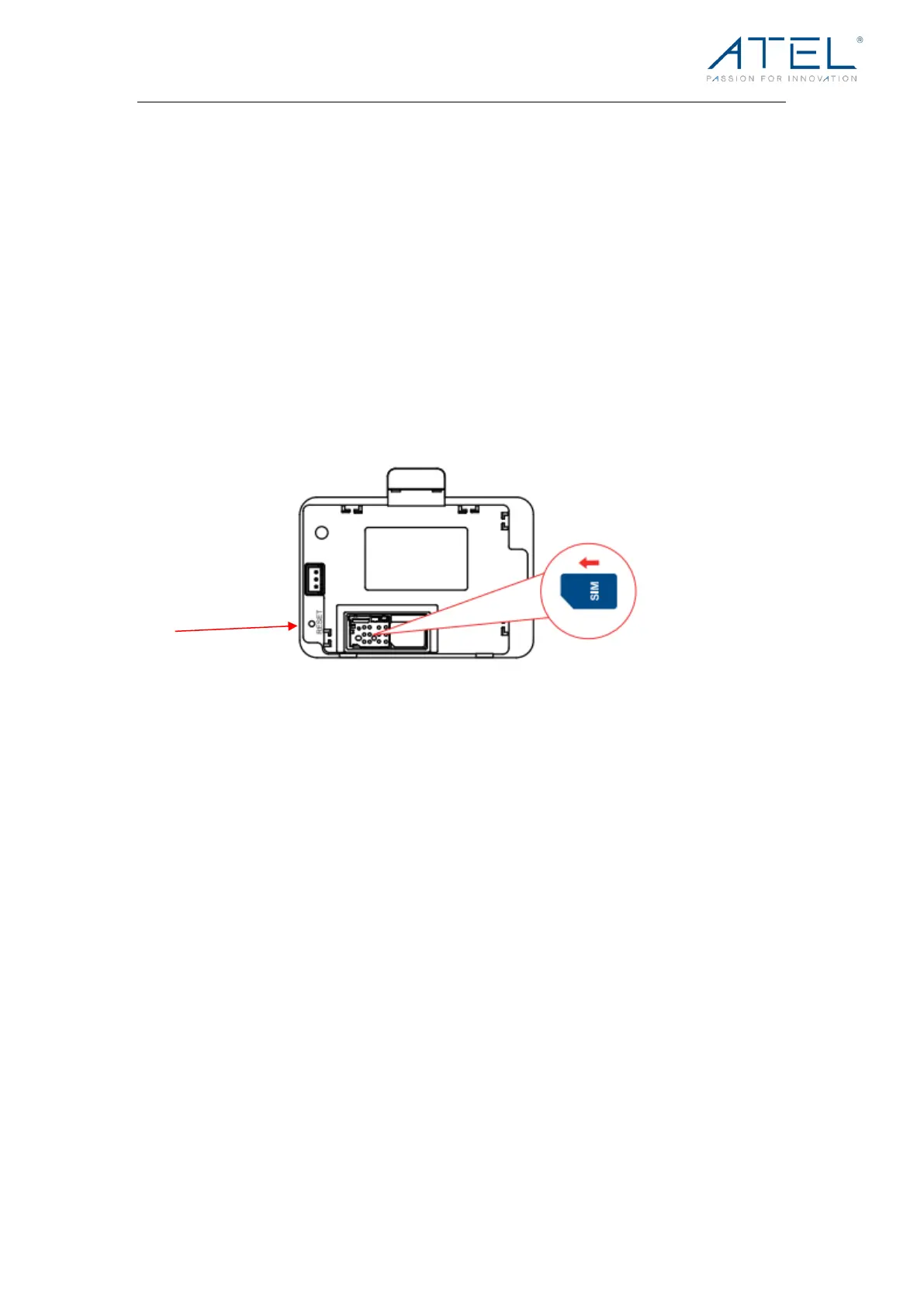
Using the RESET pin hole: Remove the back cover. Make sure your V810 is powered on.
Use an unfolded paper clip, insert it into the RESET pin hole and push down for 3 seconds,
then release. Your V810 will perform the reset and restart automatically.
3. How long is the backup battery usage and standby time of the V810?
Usage time on backup batteries is approximately (up to) 5 hours and standby time is up to
8 hours. Actual values can vary with environmental conditions, connectivity, and other
usage-related circumstances.
4. Why can’t I connect to the internet?
If you cannot connect to the internet, try the following suggestions:
a) Make sure you are connected to your V810 with the correct Hotspot Wi-Fi SSID
and password.
b) Make sure the SIM card is inserted properly in the spring-loaded SIM card slot.
c) Contact your service provider to make sure your SIM subscription plan is active.
Note: A hotspot service plan may be required.
5. Where do I find the Hotspot Wi-Fi network name (SSID) and password?
The Hotspot Wi-Fi network name (SSID) and password can be found on your V810 LCD
Display and on the device label (under the battery holder).



 To Next Page