2. Using the TOOL
IMPORTANT
Vehicle-specific information in this manual is used as an example and cannot
represent instructions specific to each make and model of vehicle. When
using the various functions on the TPMS tool, it is important to refer to the
on-screen prompts and/or to information in the vehicle's manual.
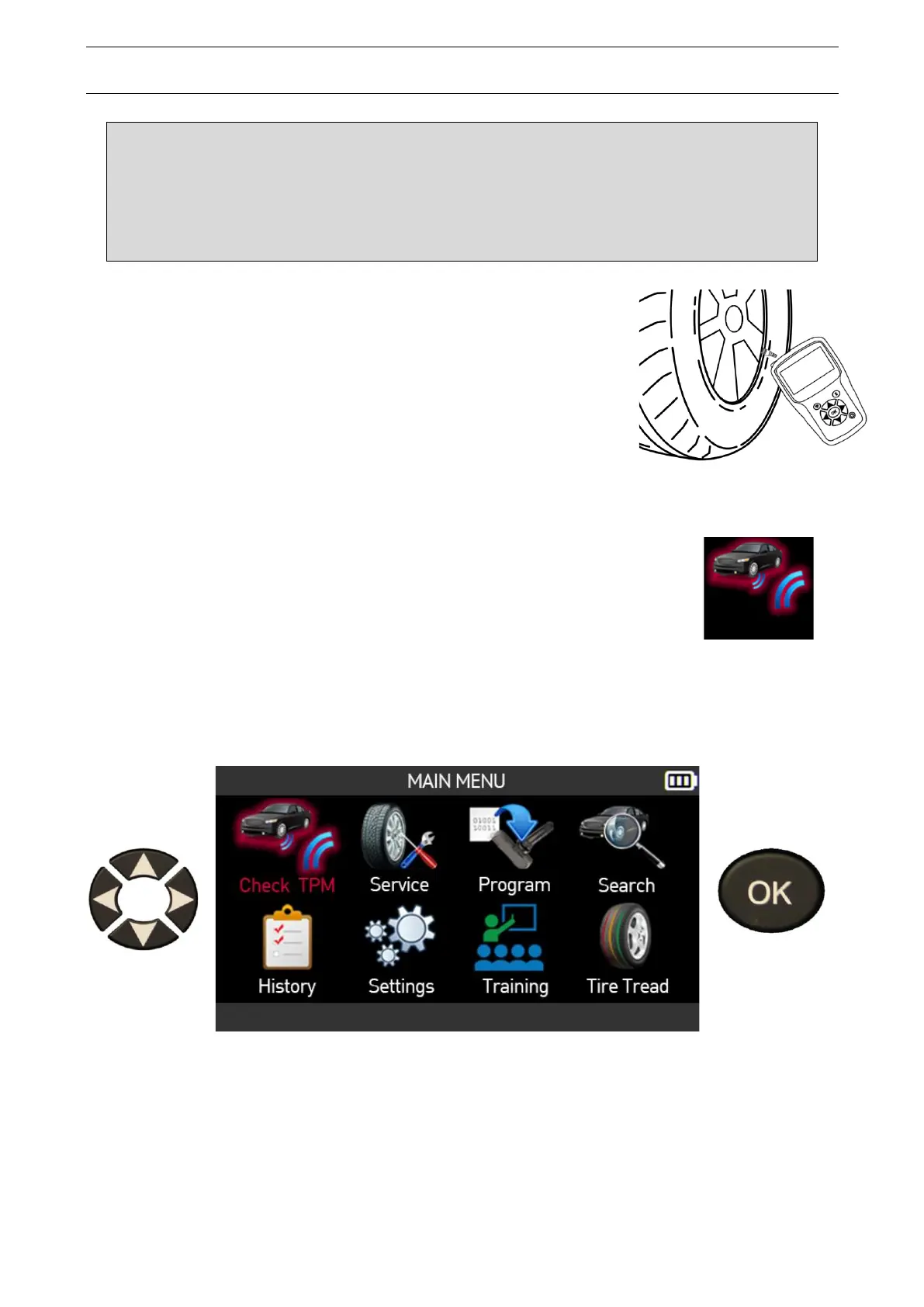
Warning! To get the best reading from the TPMS sensors, point
the tool’s antenna at the sensor through the tire sidewall, not
directly through the rim.
2.1. Check TPM
This section relates to reading all the sensors of a vehicle as well as
reprogramming the TPMS sensor data in the vehicle’s on-board
computer (ECU) through the OBD-II port.
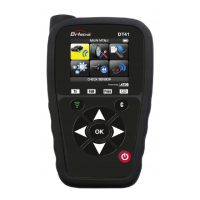
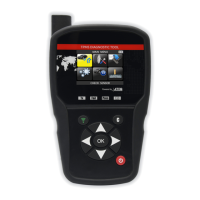
Use the arrow buttons to select the Check TPM icon.
Only relates to the America region
When the America region is selected, you must select one of the two icons below:
• Manual to select the vehicle model from a list of vehicles


 To Next Page