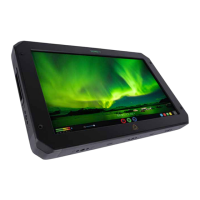
Atomos Ninja Blade – User Manual Edition 1: Feb 2014 17
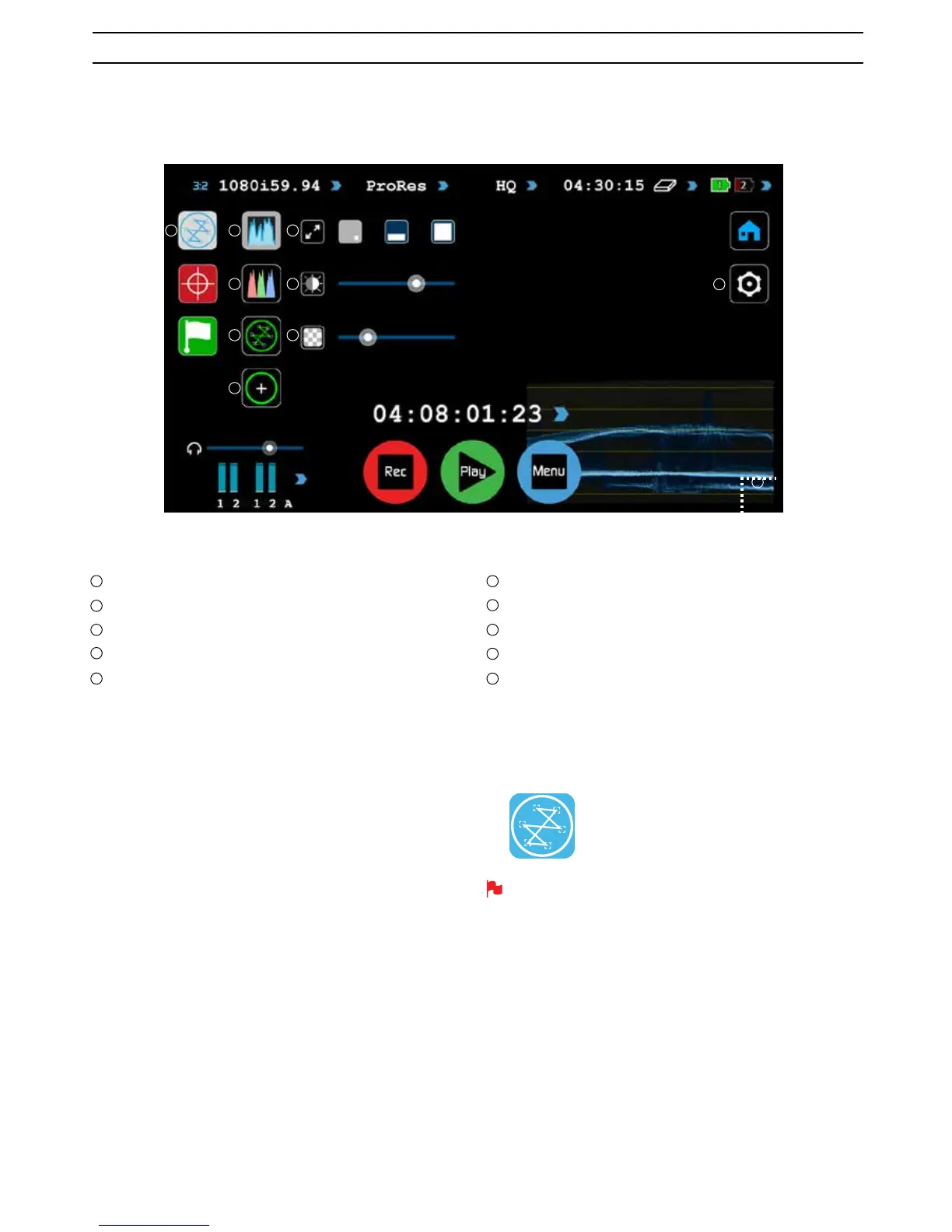
Waveform Monitoring Overview
Waveform Monitoring
Luma Overlay
RGB Parade Display
Vectorscope
Vectorscope Zoom
What is Waveform Monitoring?
Waveform Monitoring is used for measuring the brightness, luminance or
FKURPDYDOXHVIURPDYLGHRLQSXWVLJQDO7KLVIHDWXUHKDVVHYHUDOEHQHÀWV
WRWKHSURGXFWLRQZRUNÁRZLQFOXGLQJ
• Ensuring camera to camera matching accuracy when shooting
multicam.
• Returning to locations for additional pick-up shots.
• Assisting with colour correction.
• Camera white and black balance
:DYHIRUP6L]HDQG)XOO6FUHHQYLHZ
Dynamic Range
Transparency
Waveform Monitoring settings
:DYHIRUP6L]HWRXFK]RQH
How to use
To enable the Waveform Monitor, press the Waveform Monitoring icon on
the home screen.
The Waveform Monitoring icon will only be visible if there is an input
signal detected.
8. Monitoring and Recording cont.
1 2 6
3 7
4 8
9
10
5
1
2
3
4
5
6
7
8
9
10
Waveform Monitoring icon
Waveform Monitoring
New to AtomOS5 and the Ninja Blade is Waveform Monitoring which can be enabled with only a few button presses.



 To Next Page