Digital Video Recorder
21
FEN Setup
FEN Name: Enter the DVR name to be registered on the DVRNS (DVR Name Service) server.
NOTE: The FEN Name you entered should be checked by selecting Test, otherwise the FEN changes will not
be saved.
When entering no name or a name already registered on the DVNRS server, an error message displays.
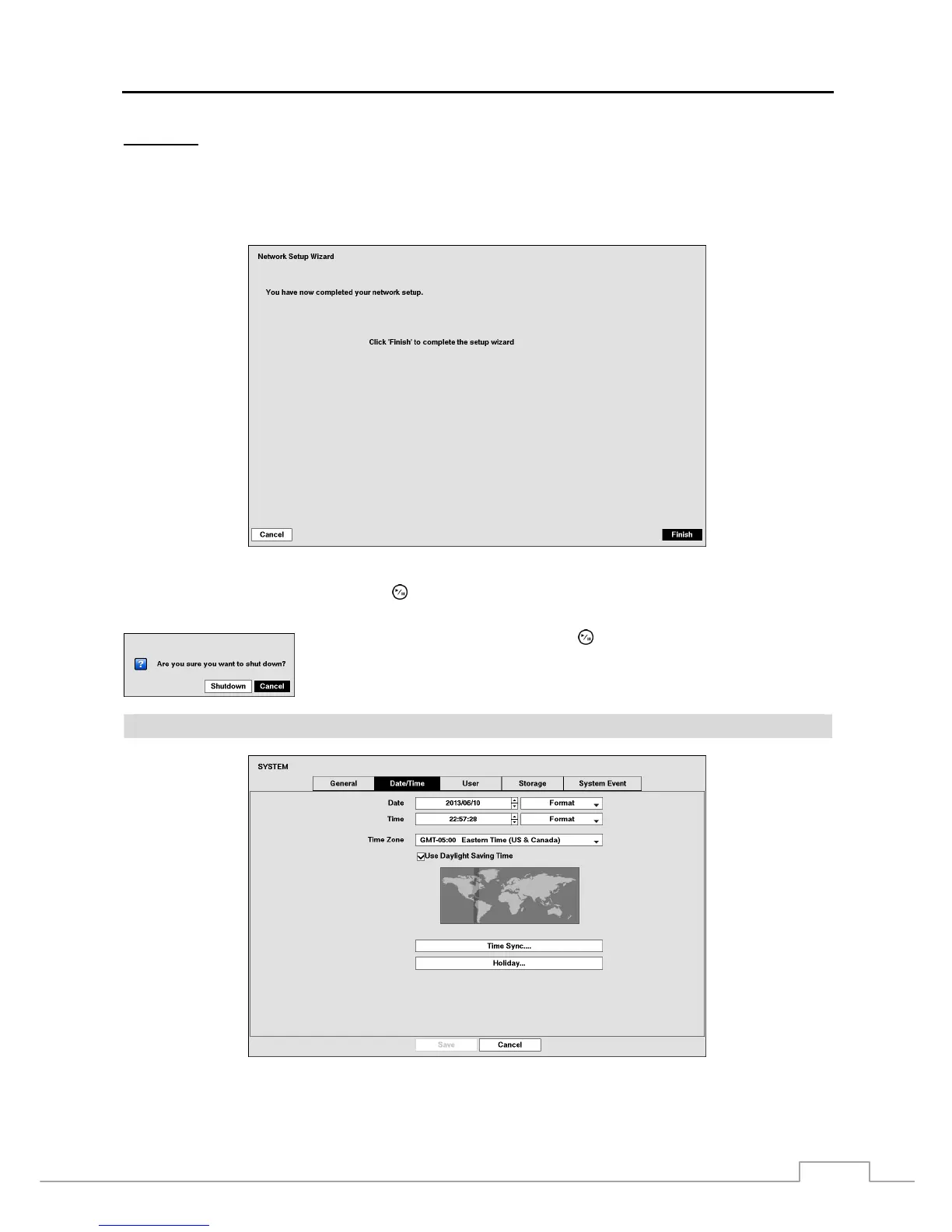
Select the Finish button to finish the Setup Wizard.
Highlight System Shutdown and press the button. The Shutdown screen displays asking you to confirm whether
or not you want to shut the system down.
After selecting Shutdown and pressing the button, a screen will appear telling you
when it is safe to disconnect power.
Date/Time
Figure 9: System – Date/Time setup screen.



 To Next Page