EasyManua.ls Logo

ATV User Manual - User Manual

Default Icon
95 pages
Print Icon
To Next Page IconTo Next Page
Loading...

Table of Contents

Questions and Answers

Summary

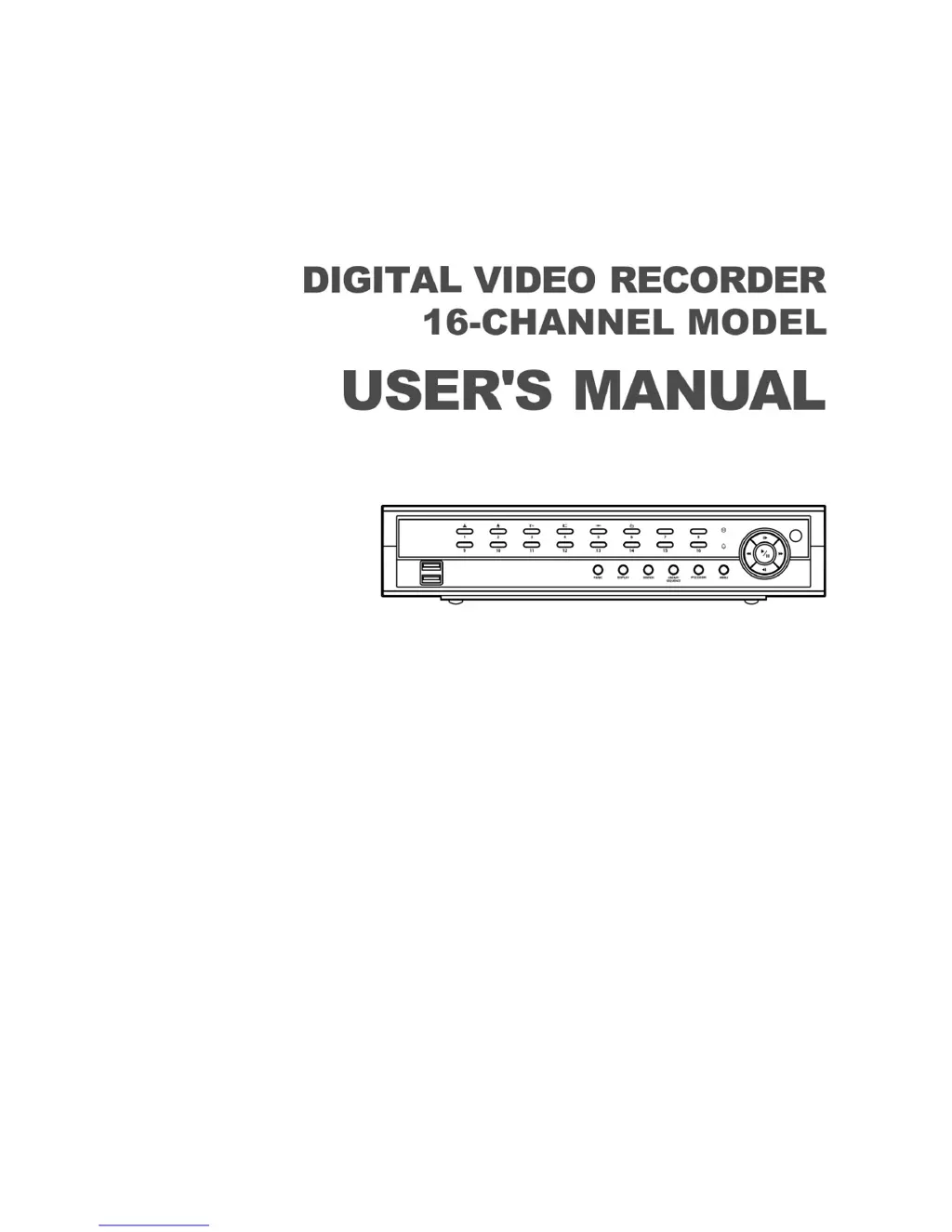
Digital Video Recorder Users Manual

Safety and Compliance Warnings

Important safety warnings regarding electric shock and FCC compliance.

Important Safeguards and Precautions

Comprehensive safety guidelines for operating and maintaining the DVR.

Installation Guide

DVR Factory Reset Procedure

How to reset the DVR to its original factory settings.

System Configuration

DVR Front Panel Controls

Description of buttons and indicators on the DVR's front panel.

Initial DVR Setup Guide

Steps for initial configuration, including date, time, and network settings.

DVR System General Settings

Configuration of site name, system ID, language, and software upgrade.

DVR Recording Method Selection

Choosing between motion event, continuous, or combined recording.

DVR Network General Settings

Configuring remote watch, bandwidth, and SSL settings.

DVR LAN Configuration

Setting up IP address, gateway, DNS, and port numbers for LAN.

DVR Mail Notification Setup

Configuring email alerts for events, including SMTP settings.

DVR PTZ Camera Configuration

Setting up PTZ cameras, including device selection and port settings.

DVR Operation

Live Monitoring Interface

How to view live video feeds and access the monitoring menu.

Searching Recorded DVR Video

Methods for searching video by event, time, or motion.

DVR Motion Detection Search

Searching for video based on detected motion within specific zones.

DVR Video Clip Copying

Copying video clips to USB drives or NetFS sites.

DVR Recorded Video Playback

How to play back recorded video and use playback controls.

Advanced Features and Troubleshooting

Using DVR WebGuard

Accessing and monitoring the DVR remotely via web browser.

DVR Troubleshooting Solutions

Common problems and their possible solutions for DVR operation.

DVR Technical Specifications

Detailed technical information about DVR hardware and capabilities.

Summary

Digital Video Recorder Users Manual

Safety and Compliance Warnings

Important safety warnings regarding electric shock and FCC compliance.

Important Safeguards and Precautions

Comprehensive safety guidelines for operating and maintaining the DVR.

Installation Guide

DVR Factory Reset Procedure

How to reset the DVR to its original factory settings.

System Configuration

DVR Front Panel Controls

Description of buttons and indicators on the DVR's front panel.

Initial DVR Setup Guide

Steps for initial configuration, including date, time, and network settings.

DVR System General Settings

Configuration of site name, system ID, language, and software upgrade.

DVR Recording Method Selection

Choosing between motion event, continuous, or combined recording.

DVR Network General Settings

Configuring remote watch, bandwidth, and SSL settings.

DVR LAN Configuration

Setting up IP address, gateway, DNS, and port numbers for LAN.

DVR Mail Notification Setup

Configuring email alerts for events, including SMTP settings.

DVR PTZ Camera Configuration

Setting up PTZ cameras, including device selection and port settings.

DVR Operation

Live Monitoring Interface

How to view live video feeds and access the monitoring menu.

Searching Recorded DVR Video

Methods for searching video by event, time, or motion.

DVR Motion Detection Search

Searching for video based on detected motion within specific zones.

DVR Video Clip Copying

Copying video clips to USB drives or NetFS sites.

DVR Recorded Video Playback

How to play back recorded video and use playback controls.

Advanced Features and Troubleshooting

Using DVR WebGuard

Accessing and monitoring the DVR remotely via web browser.

DVR Troubleshooting Solutions

Common problems and their possible solutions for DVR operation.

DVR Technical Specifications

Detailed technical information about DVR hardware and capabilities.

ATV User Manual Specifications

General IconGeneral
BrandATV
ModelUser Manual
CategoryDVR
LanguageEnglish

Related product manuals