User’s Manual
46
WebGuard
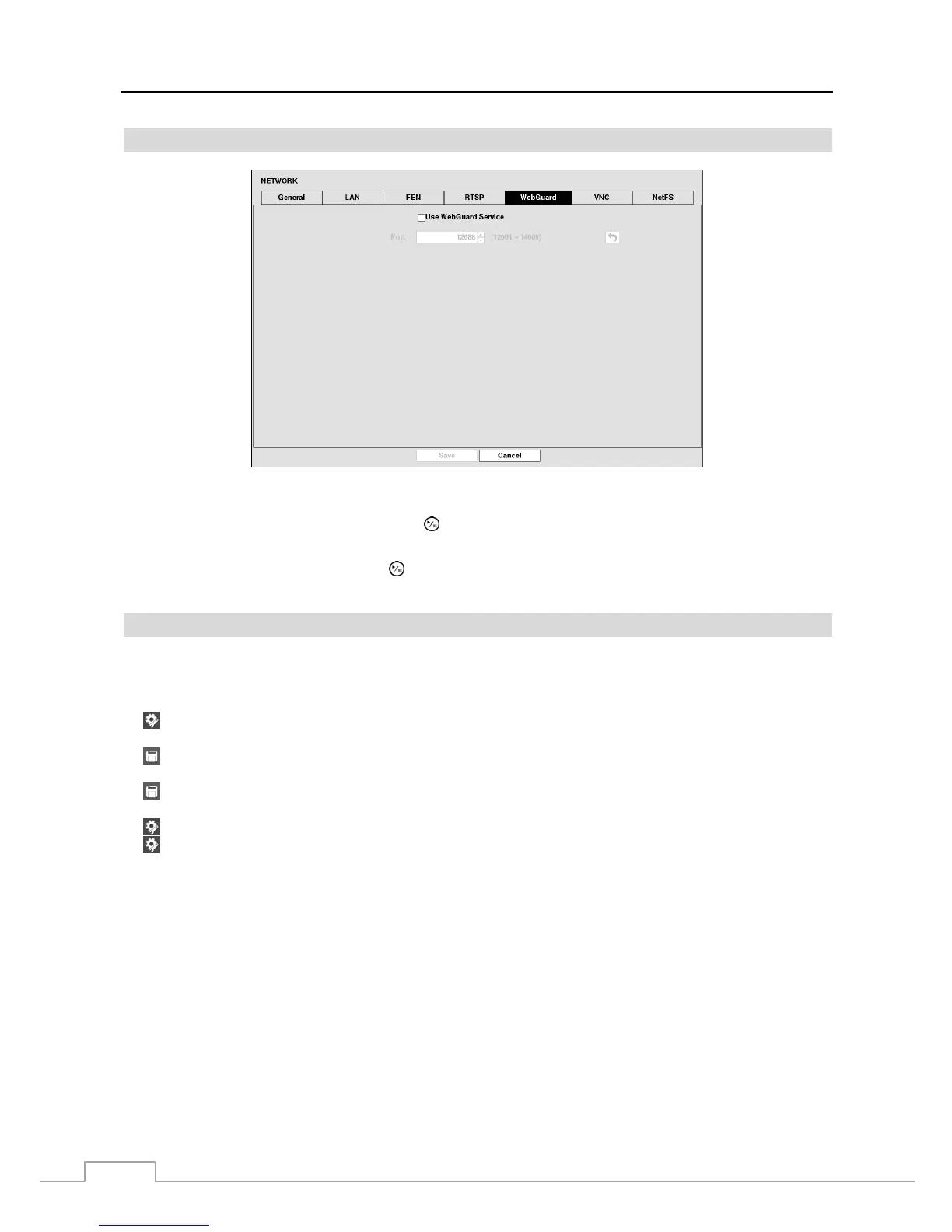
Figure 31: Network – WebGuard setup screen.
Highlight Use WebGuard Service and press the
button to toggle between On and Off. See Appendix – WebGuard
for detailed descriptions of the WebGuard service.
Highlight the box beside Port and press the button. Set the port number used when accessing WebGuard by using
the Up and Down arrow buttons to increase or decrease the numbers.
NetFS
It allows you to register NetFS sites for the following functions:
Upload or download of files for upgrade, import/export of a setup file, log export, or file print on an FTP site or
from an FTP site. Related settings are as follows:
(Setup) in the live monitoring mode > System menu > General tab > Upgrade, Import, Export, or System
Log – Export setting,
(Export) in the search mode > Print
Upload of clip-copy files on a FTP site. Related settings are as follows:
(Export) in the search mode > A-B Clip-Copy or Clip-Copy.
FTP notification of an event detection (system event excluded). Related settings are as follows:
(Setup) in the live monitoring mode > Notification menu > FTP tab > FTP setting,
(Setup) in the live monitoring mode > Event menu > Actions – Notify (FTP) setting).
NOTE: FileZilla and smallFtp servers are currently supported.
This feature is supported only in the passive mode of an FTP site.



 To Next Page