User’s Manual
48
Highlight the box beside User and Password and press the
button. A virtual keyboard appears allowing you to
enter the user and password used when accessing the NetFS site.
Highlight the Test box and press the button to test the current NetFS site settings you made.
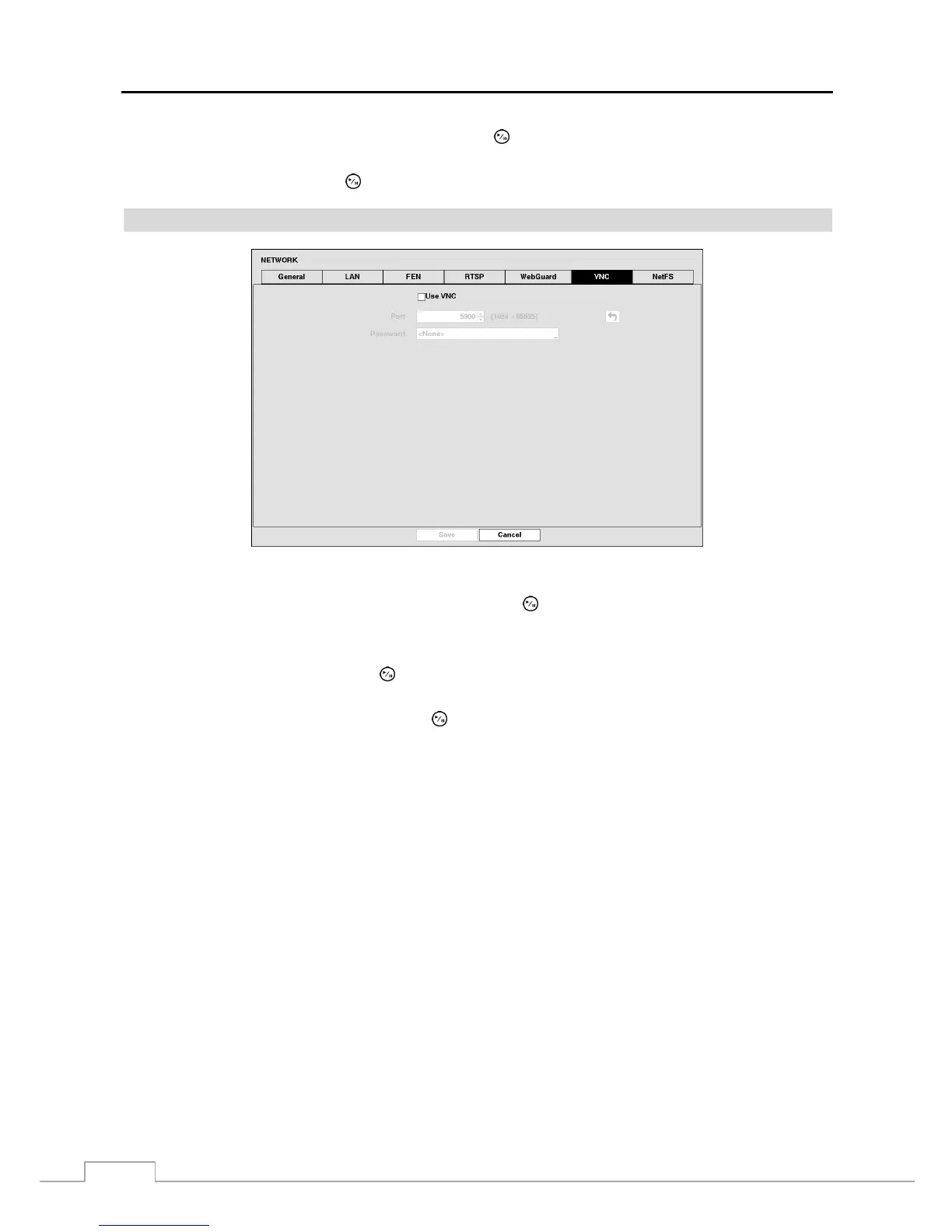
VNC
Figure 33: Network – VNC setup screen.
Highlight Use VNC (Virtual Network Computing) and press the
button to toggle between On and Off. You will
be able to change the settings if Use VNC is enabled.
NOTE: VNC service allows you to access the DVR and control it remotely using a PC or mobile devices via Ethernet.
Highlight the box beside Port and press the button. Set the port number of the VNC server obtained from your system
administrator.
Highlight the box beside Password and press the button. A virtual keyboard appears allowing you to enter the
password for VNC connection.



 To Next Page