Digital Video Recorder
17
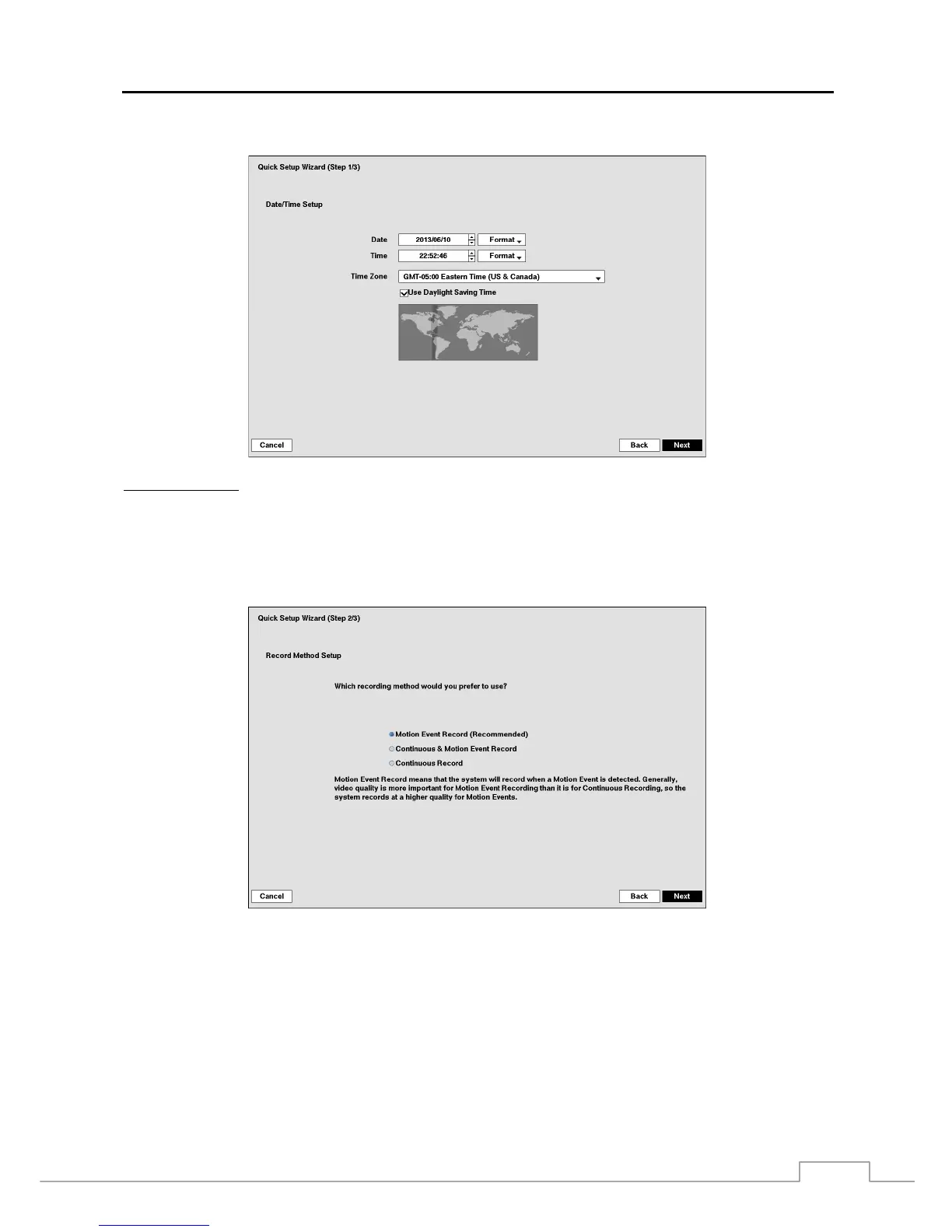
If you selected the Quick wizard, selecting the Next button starts the Quick Setup Wizard.
Date/Time Setup
Date: Set the system date and select the date format.
Time: Set the system time and select the time format.
Time Zone: Select your time zone. The Time Zone can be selected on the map.
Use Daylight Saving Time: Selecting the box sets the system to use daylight saving time.
NOTE: The Date/Time will be set, and the clock will start when you click the Next button.



 To Next Page