User’s Manual
16
Highlight Wizard and press the
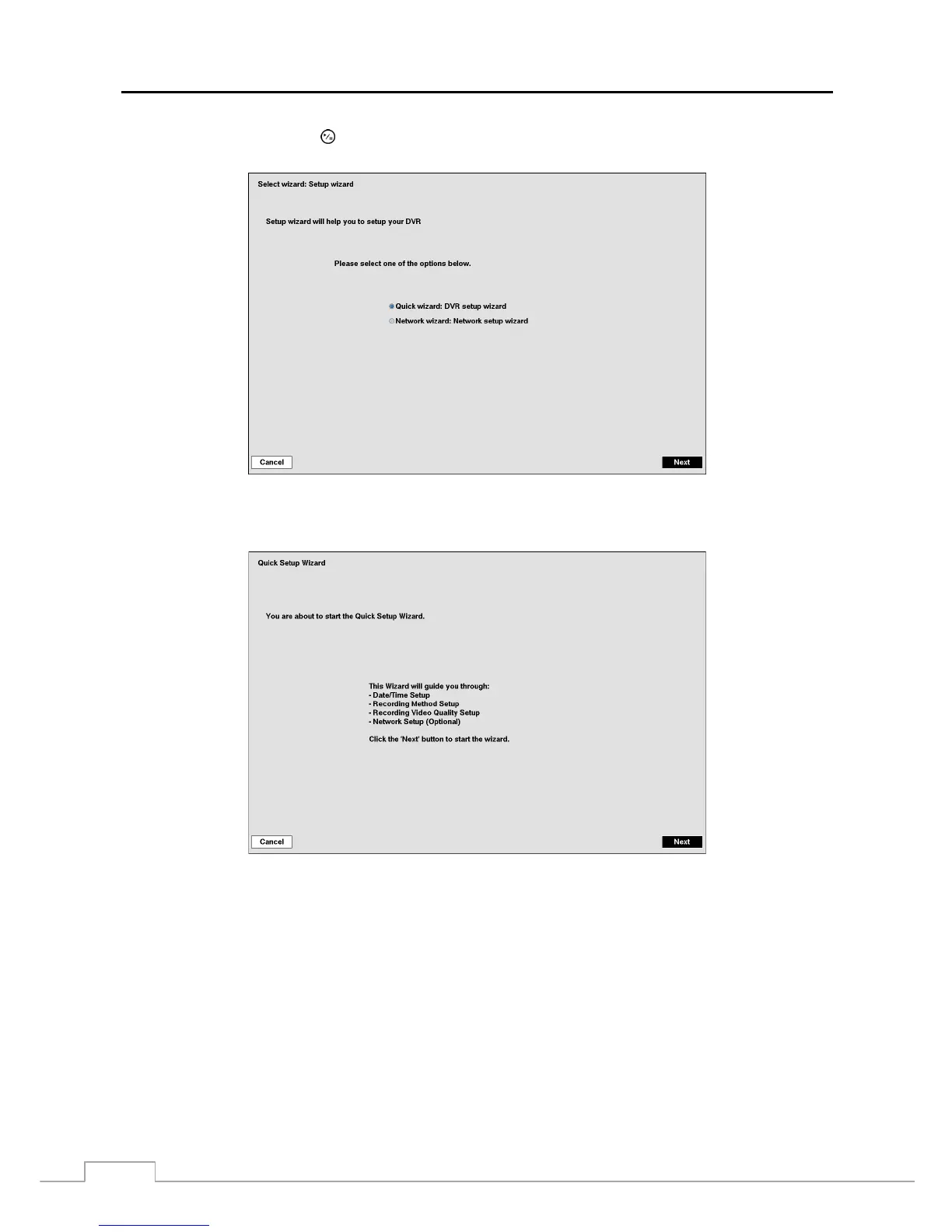
button. The Wizard setup screen appears. The Wizard setup guides you through
configuring the system for basic operation.
Select either Quick wizard or Network wizard and select the Next button to start the selected setup wizard.
NOTE: Selecting the Cancel button throughout the screens exits the Quick Setup Wizard without saving your
changes and returns to the main setup screen.



 To Next Page