MAINTENANCE TOOLS
Run Simulation
You can end the simulation at any time by pressing
.
To use the run simulation:
1. Press
then
to open the Tools.
2. Scroll to Run Simulation and press .
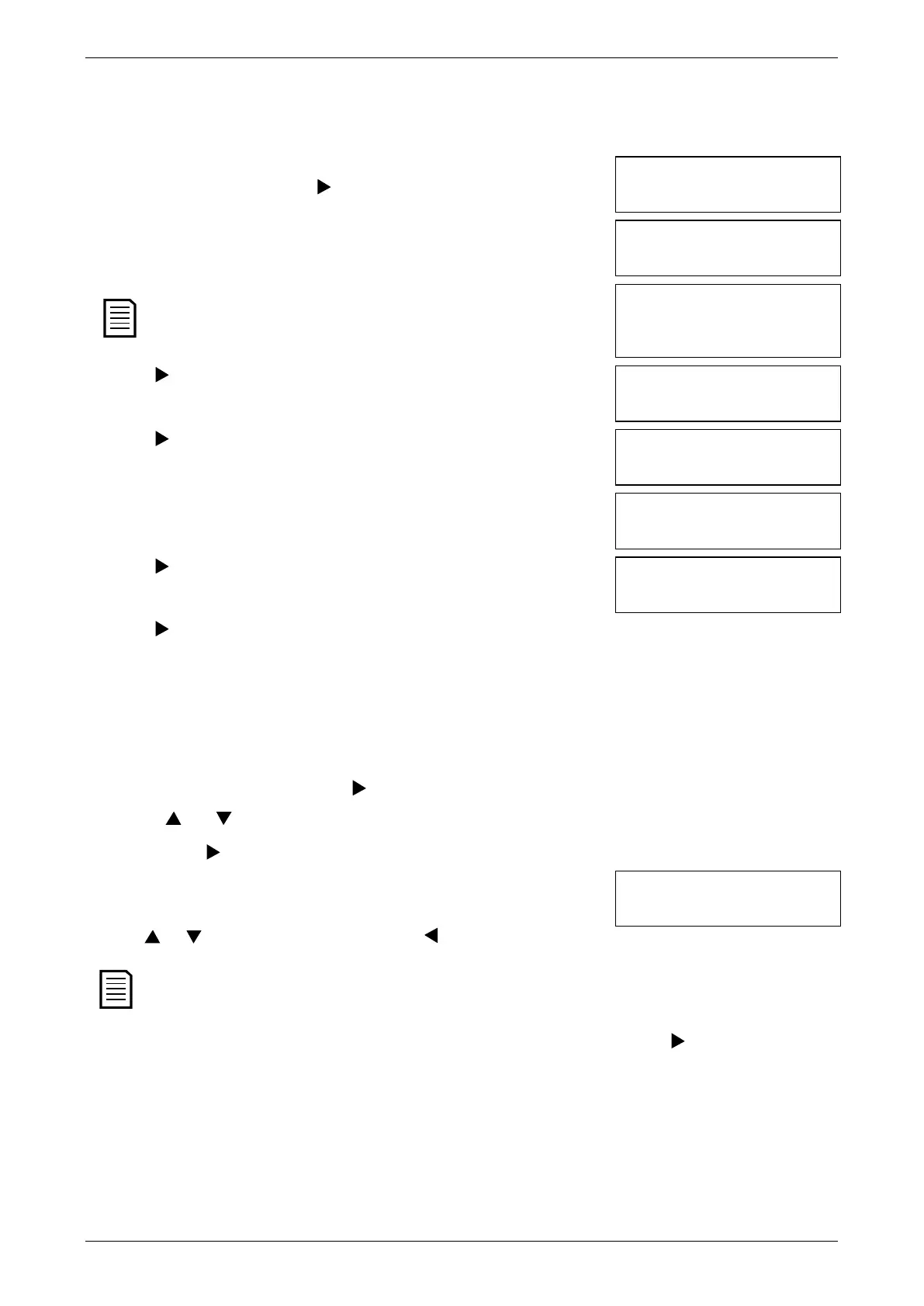
Run Simulation
Ready
3. Press
or activate the start input. The EMX3 simulates its pre-start checks
and closes the main contactor relay. The Run LED flashes.
Run Simulation
Pre-Start Checks
If mains voltage is connected, an error message is shown. Remove mains
voltage and proceed to the next step.
Run Simulation
ATTENTION!
Remove Mains Volts
to Continue
4. Press . The EMX3 simulates starting. The Run LED flashes.
Run Simulation
Starting X:XXs
to Continue
5. Press . The EMX3 simulates running. The Run LED stays on without flashing and
the bypass contactor relay closes.
Run Simulation
Running
Apply Stop Signal
6. Press
or activate the stop input. The EMX3 simulates stopping. The Run
LED flashes and the bypass contactor relay opens.
Run Simulation
Stopping X:XXs
to Continue
7. Press . The Ready LED flashes and the main contactor relay opens.
Run Simulation
Stopped
8. Press to return to the commissioning menu.
Protection Simulation
The protection simulation simulates activation of each protection mechanism to confirm that the soft starter and associated control
circuits are responding correctly.
To use the protection simulation:
1. Press
then
to open the Tools.
2. Scroll to Protection Simulation and press .
3. Use the and buttons to select the protection you want to simulate.
4. Press and hold to simulate the selected protection.
5. The screen is displayed momentarily. The soft starter's response depends on the
Protection Action setting (parameter group 16).
0.0A
Tripped
6. Use or to select another simulation, or press to exit.
If the protection trips the soft starter, reset before simulating another protection. If the protection action is set to 'Warn
and Log', no reset is required.
If the protection is set to 'Warn and Log', the warning message can be viewed only while the button is pressed.
If the protection is set to 'Log only', nothing appears on the screen but an entry will appear in the log.
User Manual (710-04840-00M) | 27



 To Next Page