SETUP TOOLS
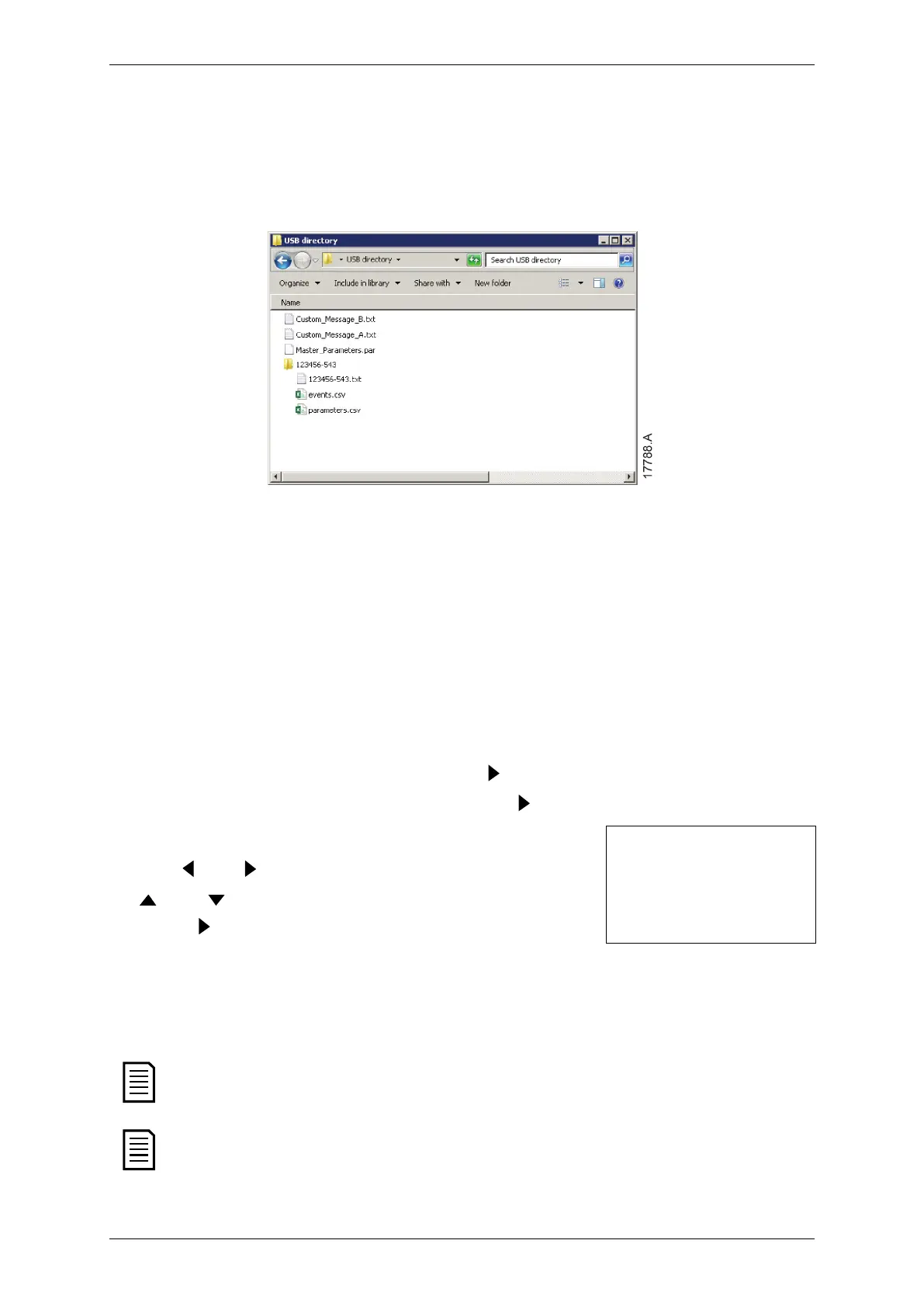
Load Master Parameters: The EMX4e will load the file Master_Parameters.par
from the top level of the USB drive. This file can be created or edited using
WinMaster management software.
Load Custom Message: The EMX4e will load the files Custom_Message_A.txt and
Custom_Message_B.txt from the top level of the USB drive.
5.6 Network Address
To use the EMX4e on an Ethernet network, separate addresses must be configured
for:
• IP Address
• Gateway Address
• Subnet Mask
To set the network addresses:
1. Press
to open the menu then select Setup Tools.
2. Scroll to Network Address and press the button.
Scroll to the required function and press the button.
4. The first digit of the address will be highlighted.
5. Use and to select which digit to alter. Use the
and buttons to change the value.
6. Press
after the last digit to save the setting.
Set IP Address
192.168.000.002
When the action has been completed, the screen will
briefly display a confirmation message, then return
to the previous menu level.
The network address can also be set using parameters 12H~12S.
To configure the EMX4e for use with other communication protocols, use
parameters 12A~12G.
36 | EMX4e User Manual (710-18433-00C)



 To Next Page