39
Saving & Loading Mixer Presets
To allow you to quickly setup your iD
Software Mixer during a session you can
save and load various presets. This is great if
you are moving between dierent recording
scenarios quite often.
Mixer presets can be saved and loaded in
two ways:
• Using the File menu and selecting either
Save or Open.
• Using standard keyboard shortcuts :
Save: Mac - Cmd + S
Windows - Ctrl + S
Load: Mac -
Cmd+ O
Windows - Ctrl + O
Saving a Preset
To save a preset, simply setup your mixer the
way that you’d like. Then select File > Save
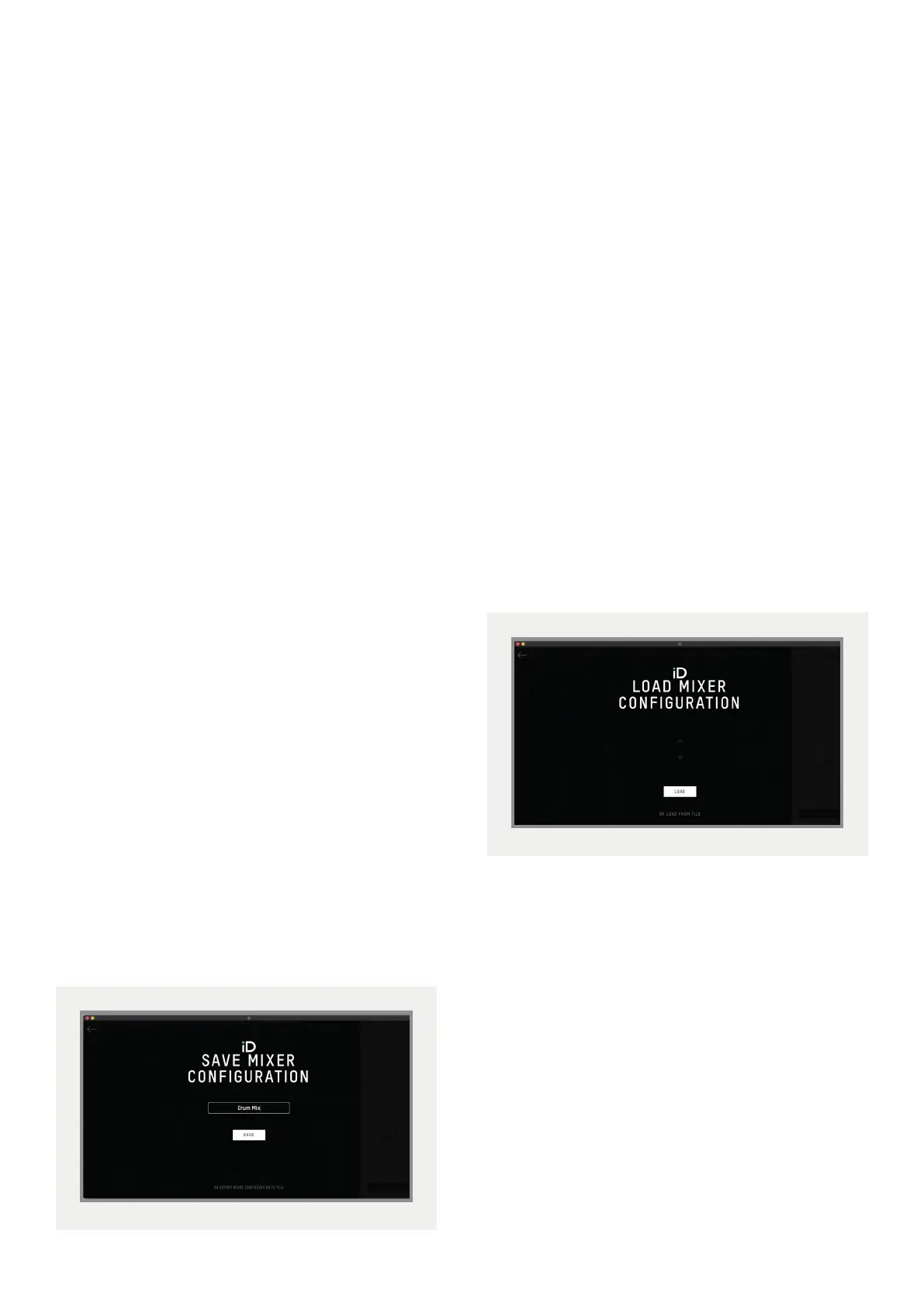
as explained above. The mixer window then
presents the Save dialogue.
Simply enter the name of your preset and
press save.
It is also possible to export your preset files
in order to send them to friends or to simply
save them within your DAW session files for
easy recall later on. To do this, select Export
Mixer Configuration at the base of the Save
screen.
Loading a Mixer Configuration
To load a previously saved preset, select
File > Open
to bring up the Load screen.
The previously saved configuration will
appear in a list. Select the configuration you
wish to use and click Load.
You can also open a mixer configuration
directly from a file by selecting Load From File.



 To Next Page