Verifit
®
User's Guide Version 4.8 © November 2016
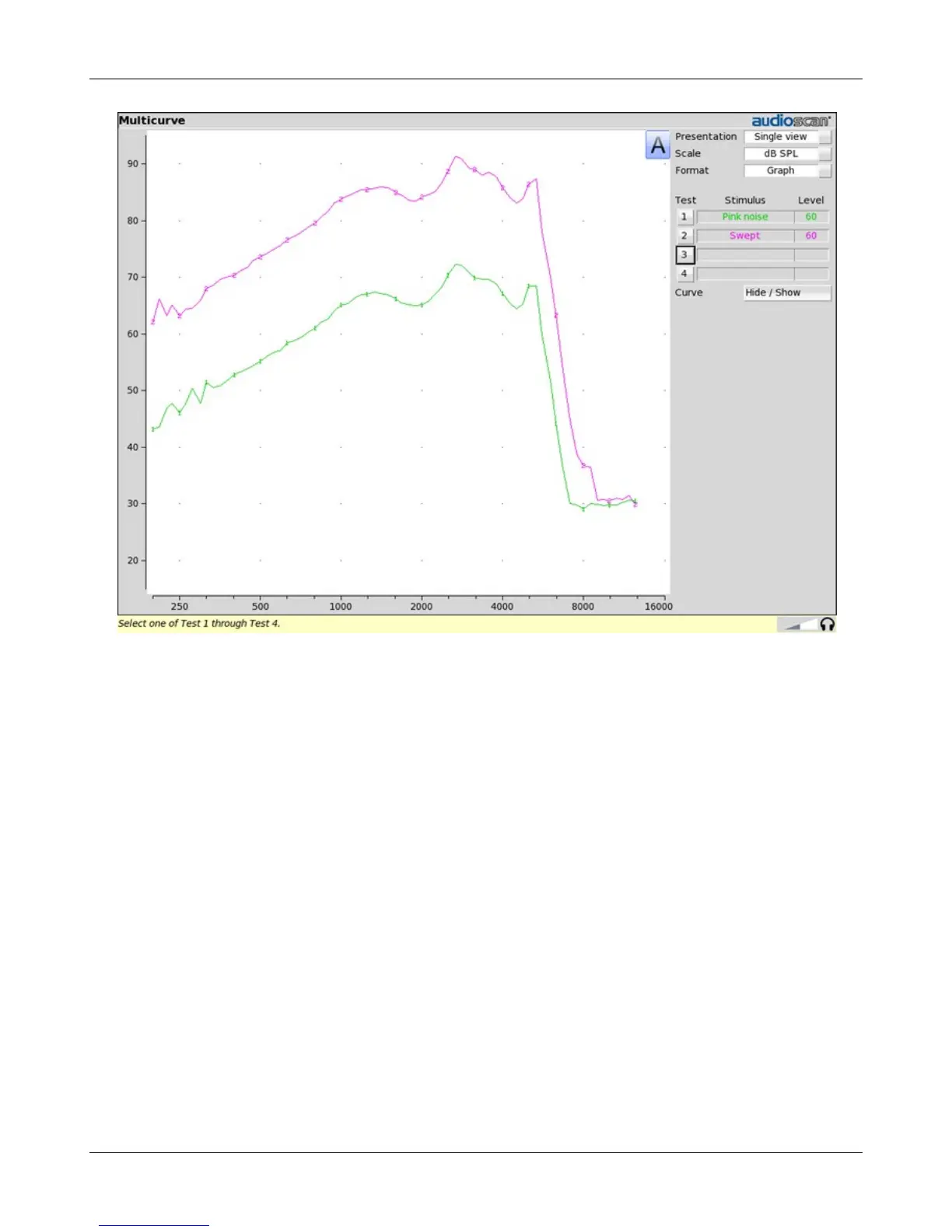
Spectral analysis in Multicurve
Selecting a stimulus level of 0 dB (off) in [Multicurve] presents a spectral analysis of the coupler microphone
signal (Scale = dB SPL) or the difference between the coupler and reference microphone spectra (Scale = dB
Gain). Binaural spectral analysis data is only available for dB SPL.
If the stimulus type is [Pink noise], the analysis is performed in 1/12th octave bands and displayed in real time.
Pressing [Continue] captures the displayed spectrum.
If the stimulus type is [Swept], a swept filter analysis is performed in 1/12th octave bands and displayed at 1/3rd
octave frequencies. Pressing [Continue] causes the swept filter analysis to be performed in 1/12th octave bands
and displayed at 1/12th octave frequencies.
Battery drain test
The battery drain test automatically measures the battery current when there is no input signal (quiescent), when
the input signal is a 1 kHz tone at 65 dB SPL and the average of the currents when the input signal is 90 dB SPL
at the HFA or SPA frequencies (Avg @ 90 dB). Battery life is estimated assuming 80% quiescent and 20% Avg
@ 90 dB use. With the hearing instrument set as normally used:
1. Right-click mouse to raise home menu and select [Battery drain] under Test box.
2. Install and connect the proper battery pill. See Battery pill use and care.
3. Click [Battery type] and select the installed battery pill.
4. Click [Hours per day] and select from the drop-down list.
113



 To Next Page