Verifit
®
User's Guide Version 4.8 © November 2016
15 Test Box Measures - Setup
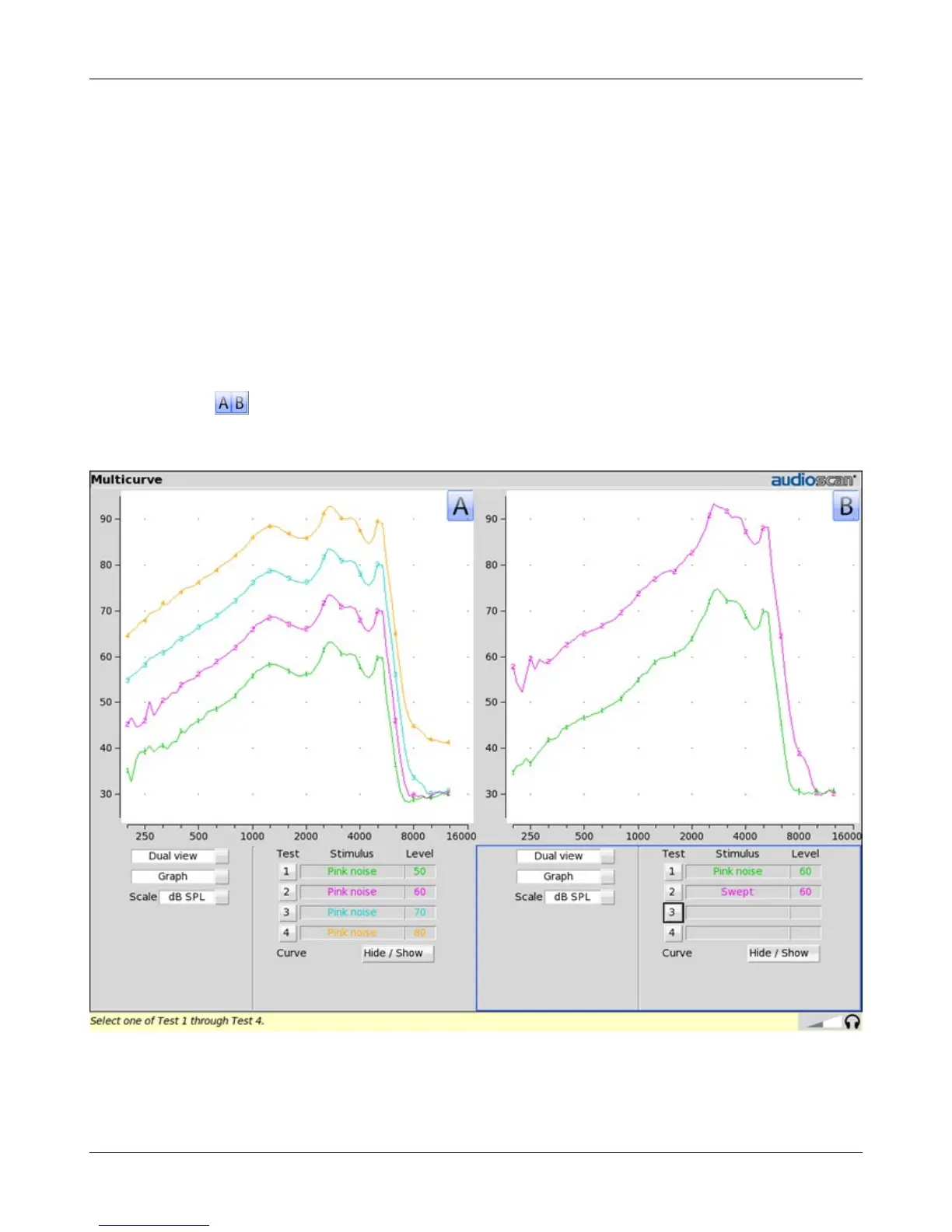
The appearance of test box screens may be changed in several ways. Most screens may be viewed as a single,
full-screen or dual, side by side panels. Most screens may be formatted to show results in graphical or tabular
format. The Multicurve screen may be scaled in dB SPL or dB Gain. Individual curves may be hidden (but not
erased).
Test box screen
Except for Input/Output, Battery drain and Manual control screens, you have the option of selecting either a
single, full-screen view or a dual, side by side view. Some data may be dropped from the dual view.
To change the presentation, click [Single view] or [Dual view].
To switch between A and B test panel in single or dual view, right-click the mouse to raise the home menu and
click
In dual view, you may switch panels by left-clicking the mouse on a screen button in the inactive test panel.
However, this also operates the button.
93



 To Next Page