Verifit
®
User's Guide Version 4.8 © November 2016
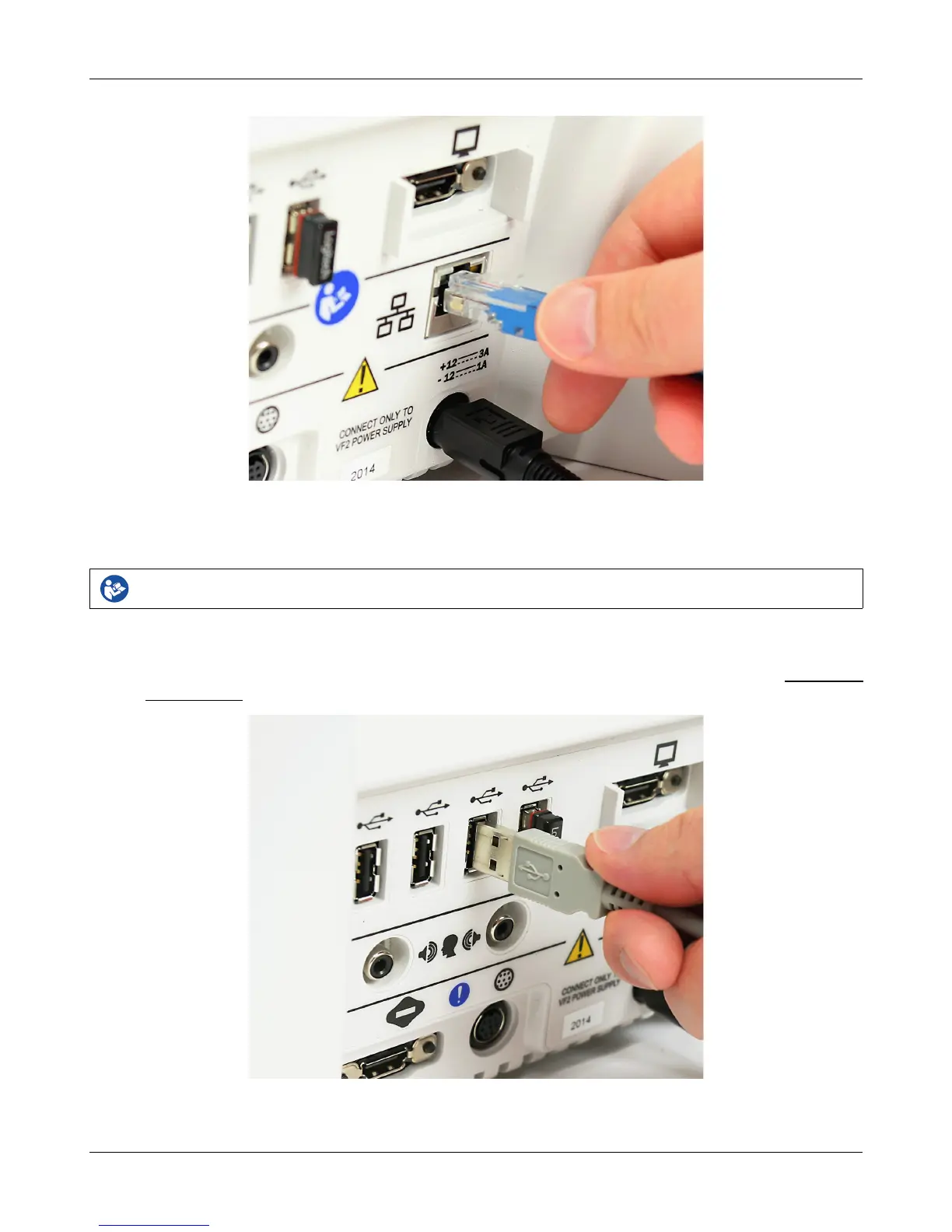
Inserting the cable for a wired network connection
Printer connection
Failure to follow operating instructions could place the user or operator at risk.
The Verifit can use printers connected locally through USB, or remotely through a computer network.
Connecting a local printer requires inserting the printer's USB cable into any of the five USB connections
available on the side or rear of the display unit, as illustrated in the figure below. You can choose among the
local and network-connected printers through the software user interface, as describe in the section Printing and
Storing Results.
Inserting the USB cable for a locally-connected printer
31



 To Next Page