Verifit
®
User's Guide Version 4.8 © November 2016
position, place your fingers on top of the lid and use your thumb to roll the rubber roller toward the rear of
the Verifit.
6. Connect the Verifit power supply (included) to the power connector on the rear connector panel.
7. Connect the power cord (included) from the Verifit power supply to a GROUNDED electrical outlet. In the
USA and Canada, this outlet should be marked Hospital Grade.
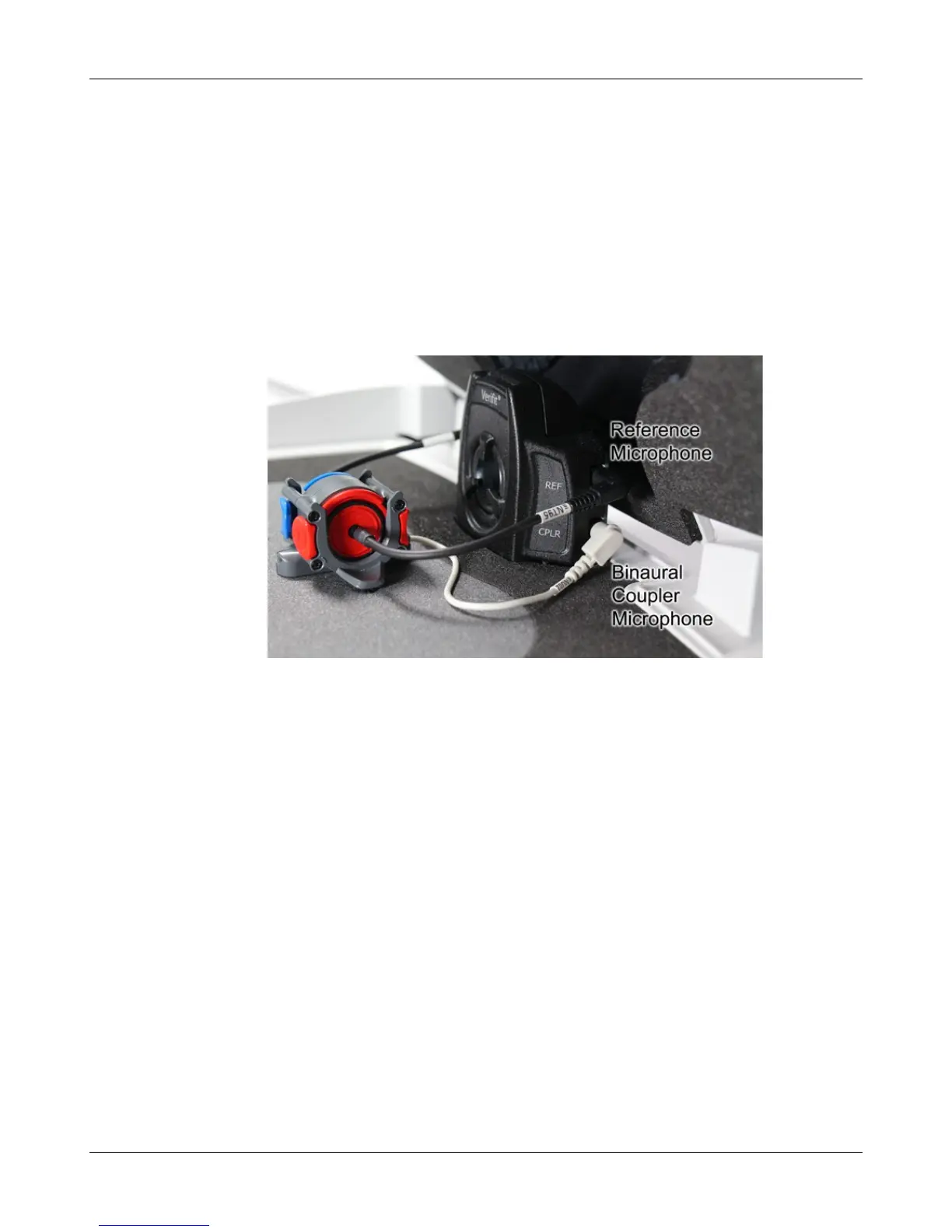
Microphone connection
1. Plug the reference microphones and the binaural coupler microphone into the connectors in the test chamber
as shown. The binaural coupler microphone is positioned in the test chamber magnetically.
22



 To Next Page