Verifit
®
User's Guide Version 4.8 © November 2016
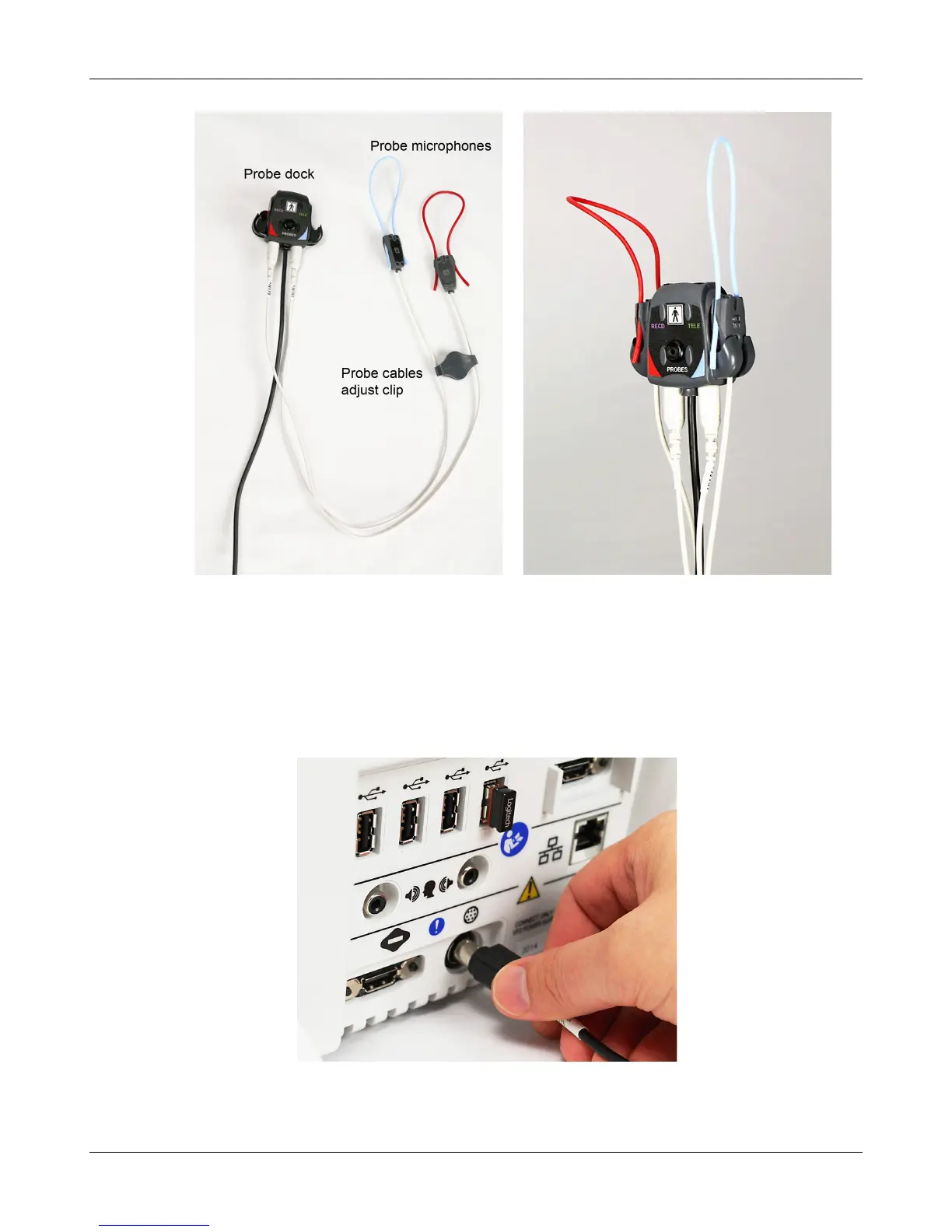
2. Connect the probe microphones to the left (blue) and right (red) connectors on the bottom of the probe dock.
The probe microphone modules should be kept in the probe dock when not in use, positioned with the
reference microphone ports facing outward.
3. Link the probe microphone cables with the probe cables adjust clip as shown above.
4. Connect the 8 pin mini DIN connector of the probe dock to the rear of the main display unit.
5. The probe dock can be attached to the main display unit via the magnet mount.
23



 To Next Page