Verifit
®
User's Guide Version 4.8 © November 2016
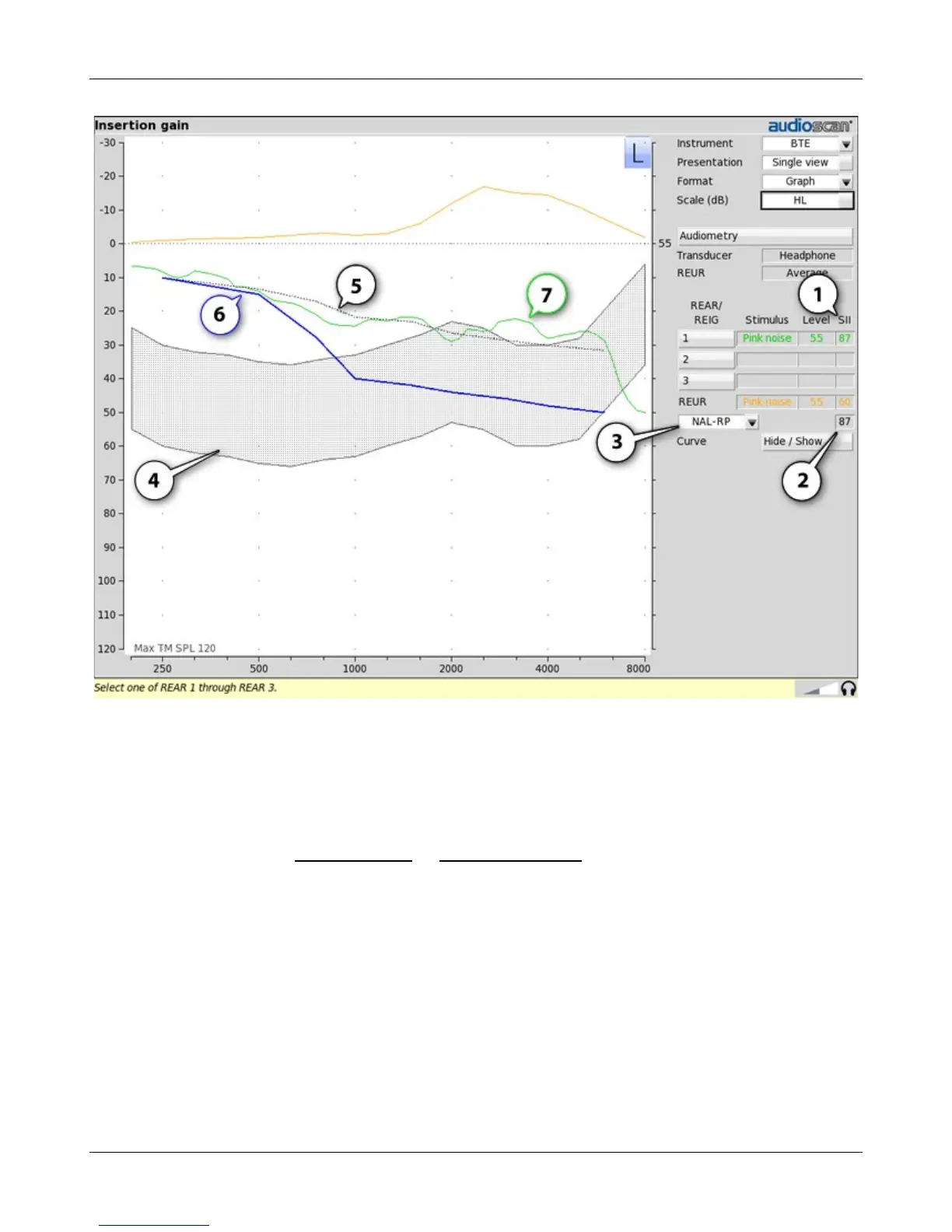
1. Speech Intelligibility Index (SII), 2. SII for target Aided Threshold, 3. Fitting method, 4. Speech Region (@70 dB
SPL), 5. Target Aided Threshold, 6. Unaided Threshold, 7. Estimated Aided Threshold.
Audiometric data entry
Threshold data and parameters may be entered by manually using a mouse, or the numeric keypad on an
external keyboard. See Mouse, keyboard, and Input device operation.
To enter assessment data and parameters manually:
1. Select [Audiometry].
88



 To Next Page