Verifit
®
User's Guide Version 4.8 © November 2016
255.255.255.0 in the Subnet mask box.
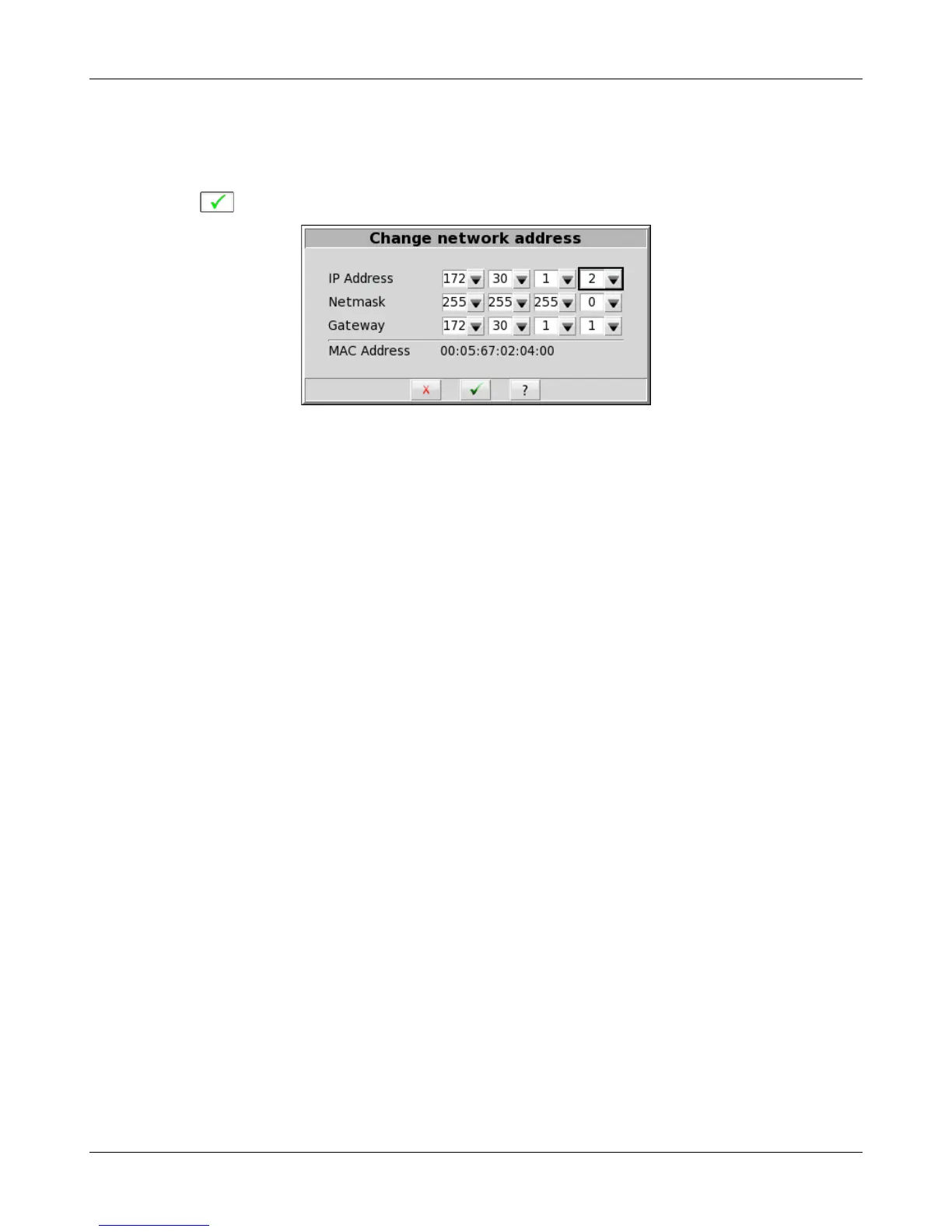
6. On the Verifit, un-check Auto on the Setup network screen and click the Change button. Then set the network
addresses as shown below by clicking on the down arrow buttons and selecting from the drop-down lists.
7. Click to apply your settings.
125



 To Next Page