Verifit
®
User's Guide Version 4.8 © November 2016
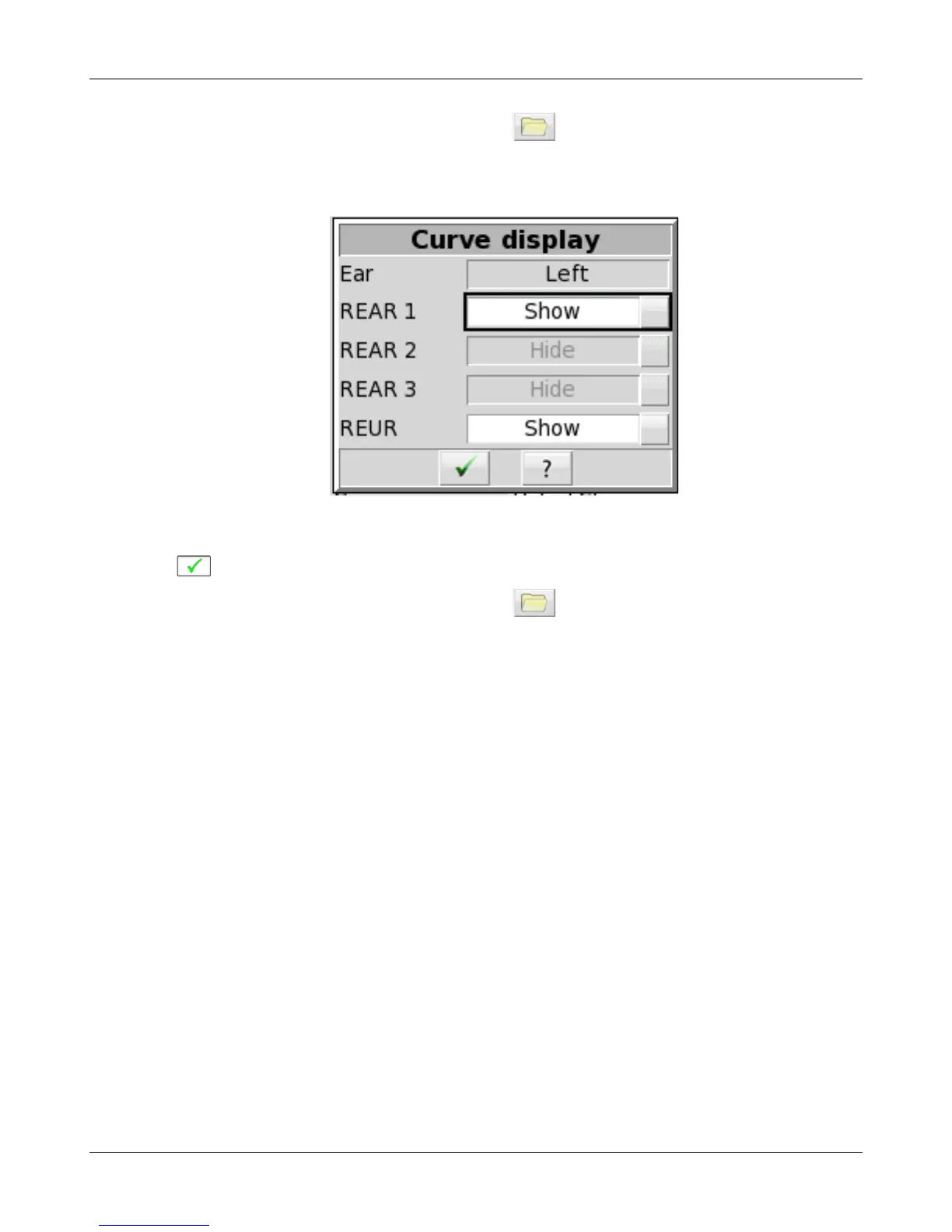
Hiding a curve does not erase it. To erase curves click on and select one of the Erase options.
To hide or show test curve(s) in all other applications:
1. Left-click [Hide/Show].
2. Click on the desired test result to toggle between the Hide or Show options. The curves will toggle on or off
when selected.
3. Click within the Curve Display poster to return to the test screen.
Hiding a curve does not erase it. To erase curves click on and select one of the Erase options.
44



 To Next Page