35
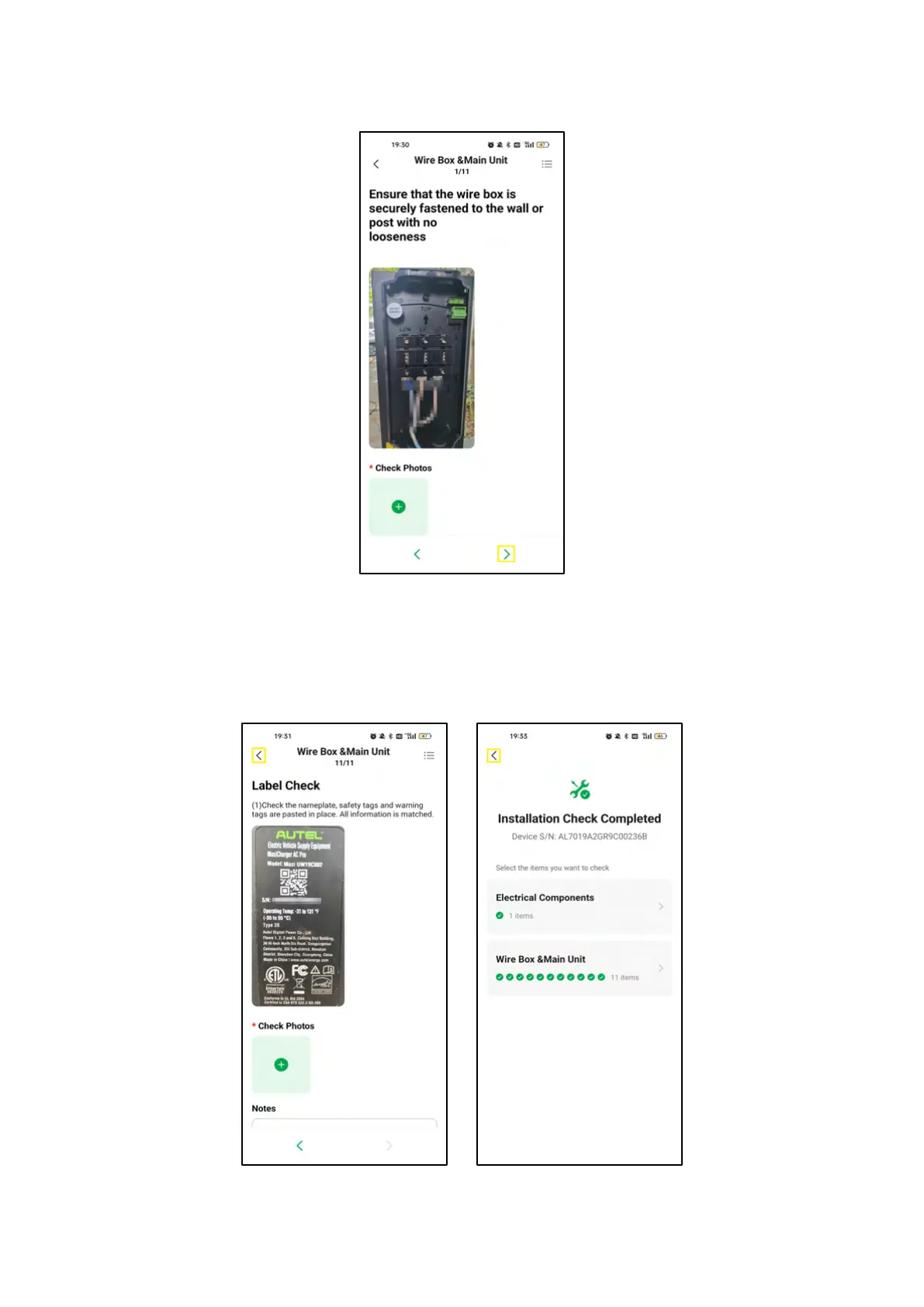
7. On the Wire Box & Main Unit screen, upload photos to finish checking the item shown on the
screen. Then click on the > icon to check the next item.
4-13 Wire Box & Main Unit Screen
8. Repeat step 7 to check the remaining items. After all items are checked, click on the < icon on the
upper left corner to go to the Installation Check Completed screen. Then click on the < icon on the
Installation Check Completed screen to go back to the Task Details screen.
4-14 Wire Box & Main Unit and Installation Check Completed Screens














 To Next Page