40
NOTICE
If the Wi-Fi or APN has been configured during the site creation and configuration,
its name and password will be entered by default. A new Wi-Fi or a new APN can
be set manually.
NOTE
Si le Wi-Fi ou l'APN a été configuré lors de la création et de la configuration du
site, son nom et son mot de passe seront saisis par défaut. Un nouveau Wi-Fi ou
un nouvel APN peut être configuré manuellement.
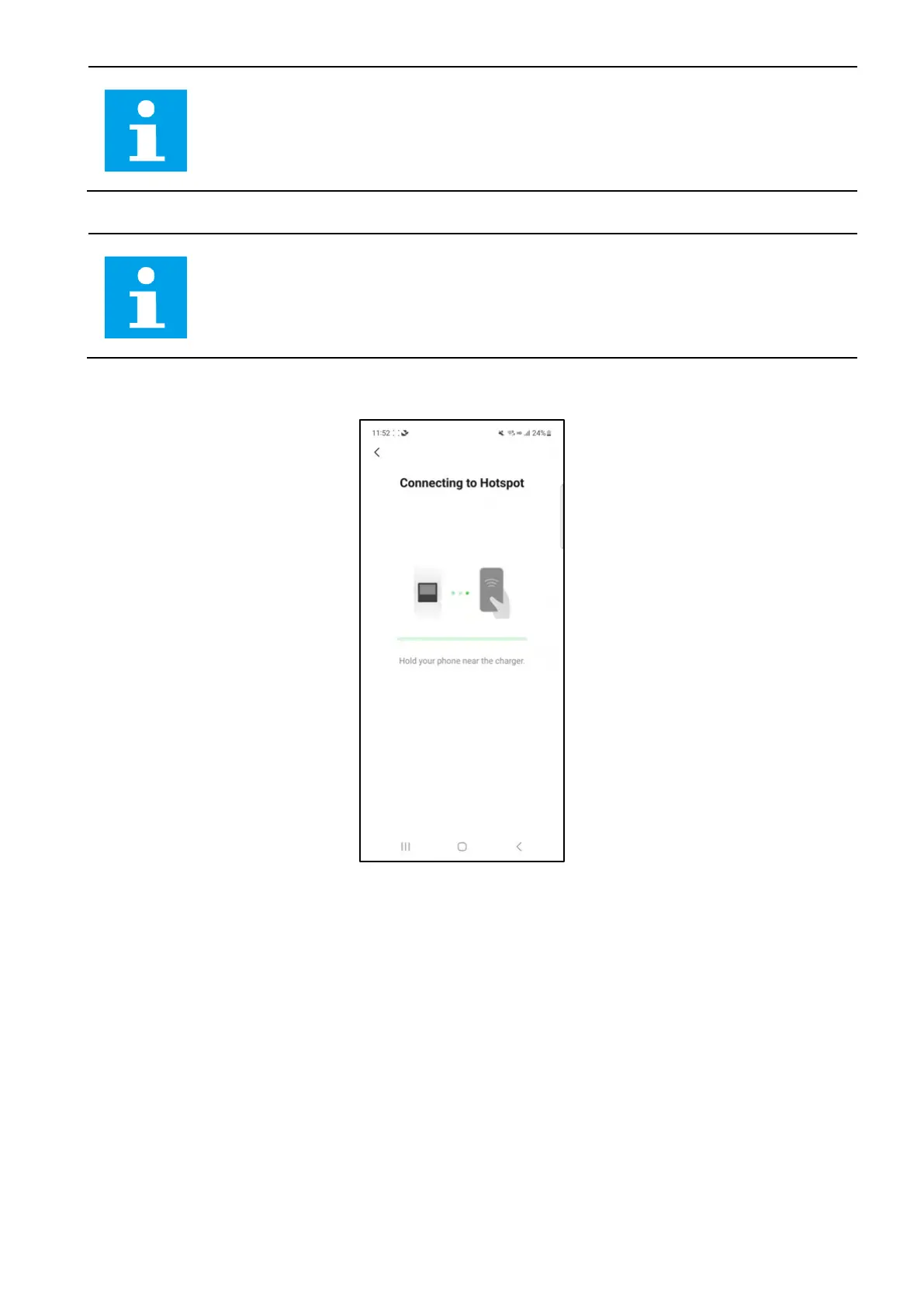
6. Hold your phone near the device to connect to its hotspot.
4-22 Connecting to Hotspot Screen














 To Next Page