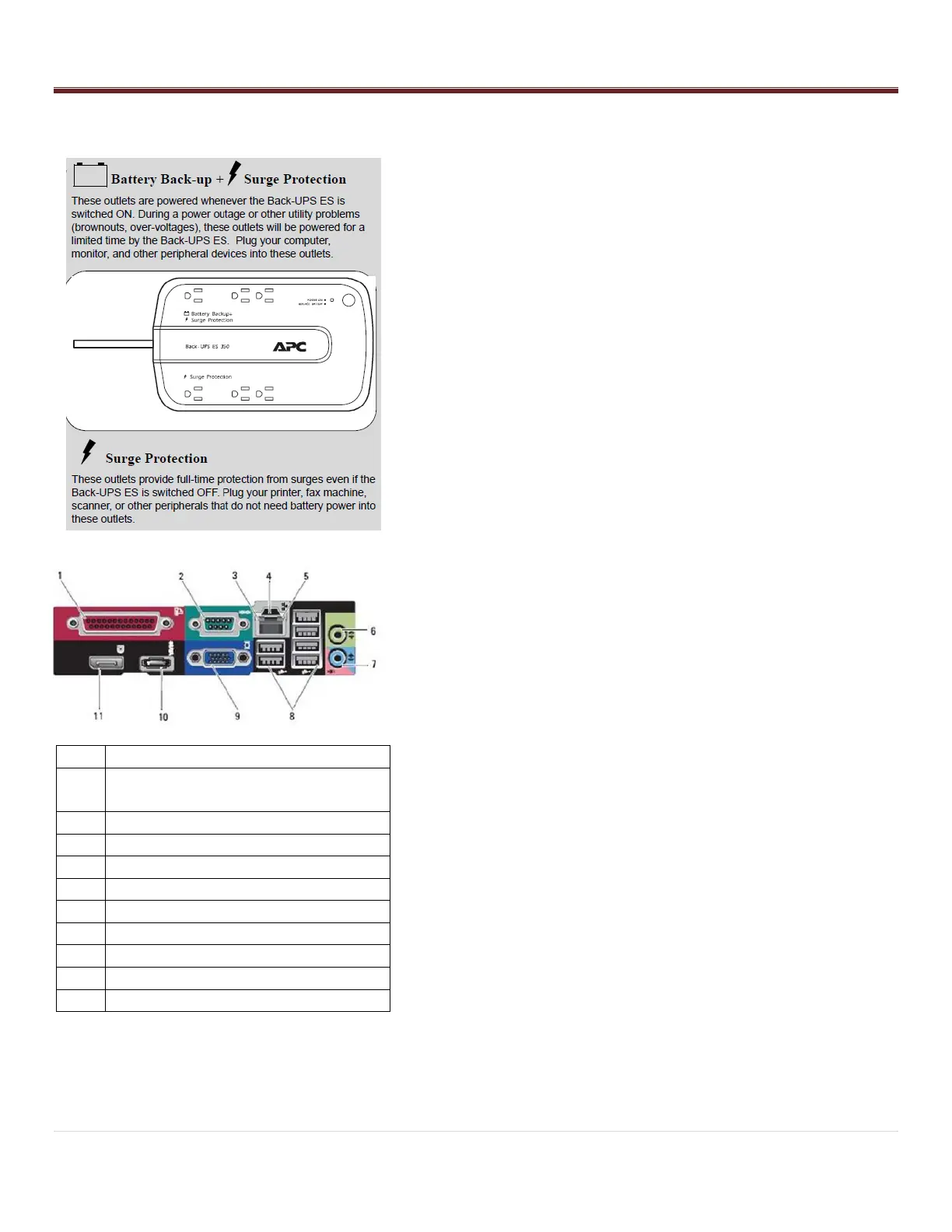
Attach Power and Network Services
1. Uncoil the power cord and route through the bottom or top of the
frame.
EXPORT SYSTEMS: Add correct power cord connector and UPS
system
2. Prepare the UPS battery backup provided with the system (except
export systems) by installing the battery as directed by the
instructions accompanying the UPS.
Attach the UPS to a grounded 120VAC outlet, power it on, and
let charge for 8 hours.
Ensure the Status Light is green. If the Status Light indicates
a different color, have an electrician re-certify the outlet before
attaching the RoboCrib.
Avoid using circuits that have loads or surges from adjacent
equipment.
3. Position the UPS so that the RoboCrib power cord can be
attached. Attach the cord to a battery-protected outlet on the UPS.
4. Route the CAT5 cable into the machine along the same path as
the power cord.
Attach the CAT5 cable from the NIC card (#4 on diagram)
located at the bottom of the computer to the LAN drop
provided by the customer (or to the Ethernet hub provided by
AutoCrib).
Once the connection has been made and the pc is started, the
two lights on the NIC should blink.
5. Turn the Main power switch on the Control Panel to ON. Verify the
light in the switch turns on.
6. Turn the Controller power switch ON. Verify the green “OK” LED is
blinking slowly, the pc turns on, and the monitor is working. The
system will automatically launch the RoboCrib software and will
prompt for calibration.
7. Close & lock the Computer Access Door.



 To Next Page