Installation
Installation and Commissioning Handbook, AutroMaster ISEMS - Integrated Safety and Emergency Management System,
116-P-AMASTER-INSTCOMM/IGB, Rev. C, 2016-05-20, Autronica Fire and Security
Page 35
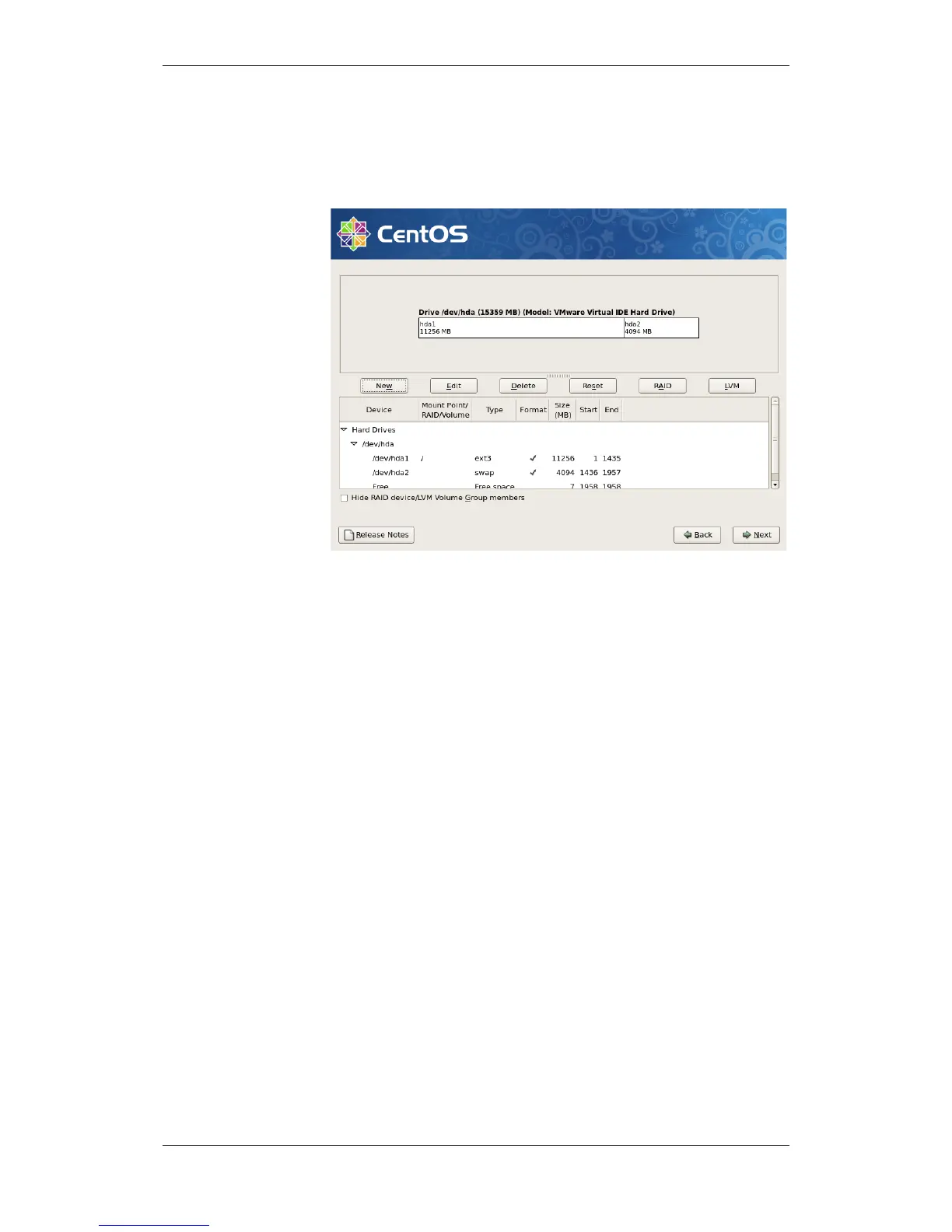
3.3.10 Completing the Partitioning of the Harddrive
Ensure that the entire harddrive is allocated.
The screen dump below is a general example (does not
show the actual values).
If all free space is allocated, click Next to continue.
If you have not allocated all free space on the harddrive, delete the
partitions and repeat the procedure above.

 To Next Page
 Loading...