Installation
Installation and Commissioning Handbook, AutroMaster ISEMS - Integrated Safety and Emergency Management System,
116-P-AMASTER-INSTCOMM/IGB, Rev. C, 2016-05-20, Autronica Fire and Security
Page 48
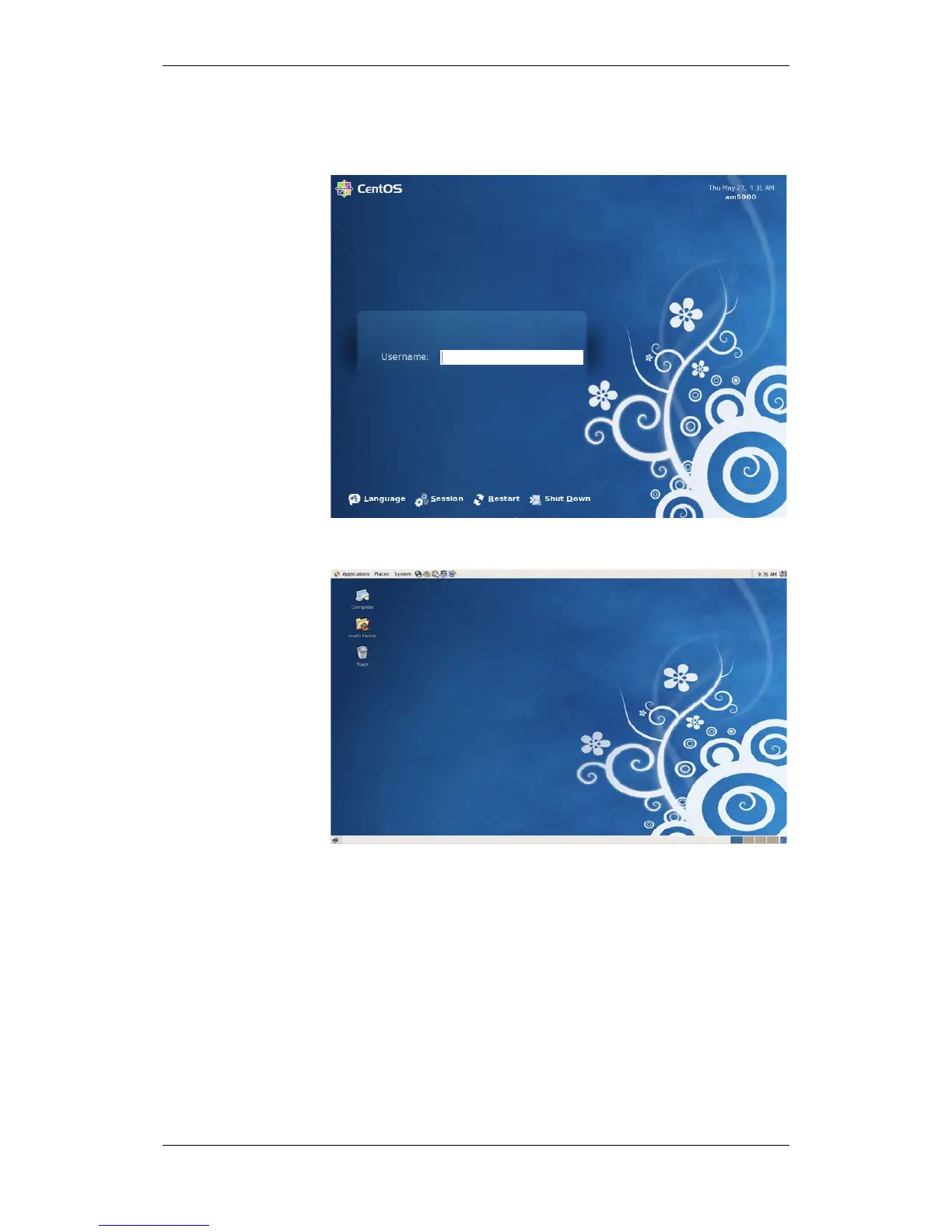
3.3.25 Logging in for the First Time
Enter root as the username, followed by the password defined
during installation, then press Enter.
After login, the following will be displayed.
To install AutroMaster, go to chapter 3.4.

 To Next Page
 Loading...