Startup
Installation and Commissioning Handbook, AutroMaster ISEMS - Integrated Safety and Emergency Management System,
116-P-AMASTER-INSTCOMM/IGB, Rev. C, 2016-05-20, Autronica Fire and Security
Page 65
6.10 Screensaver/Restore Screen
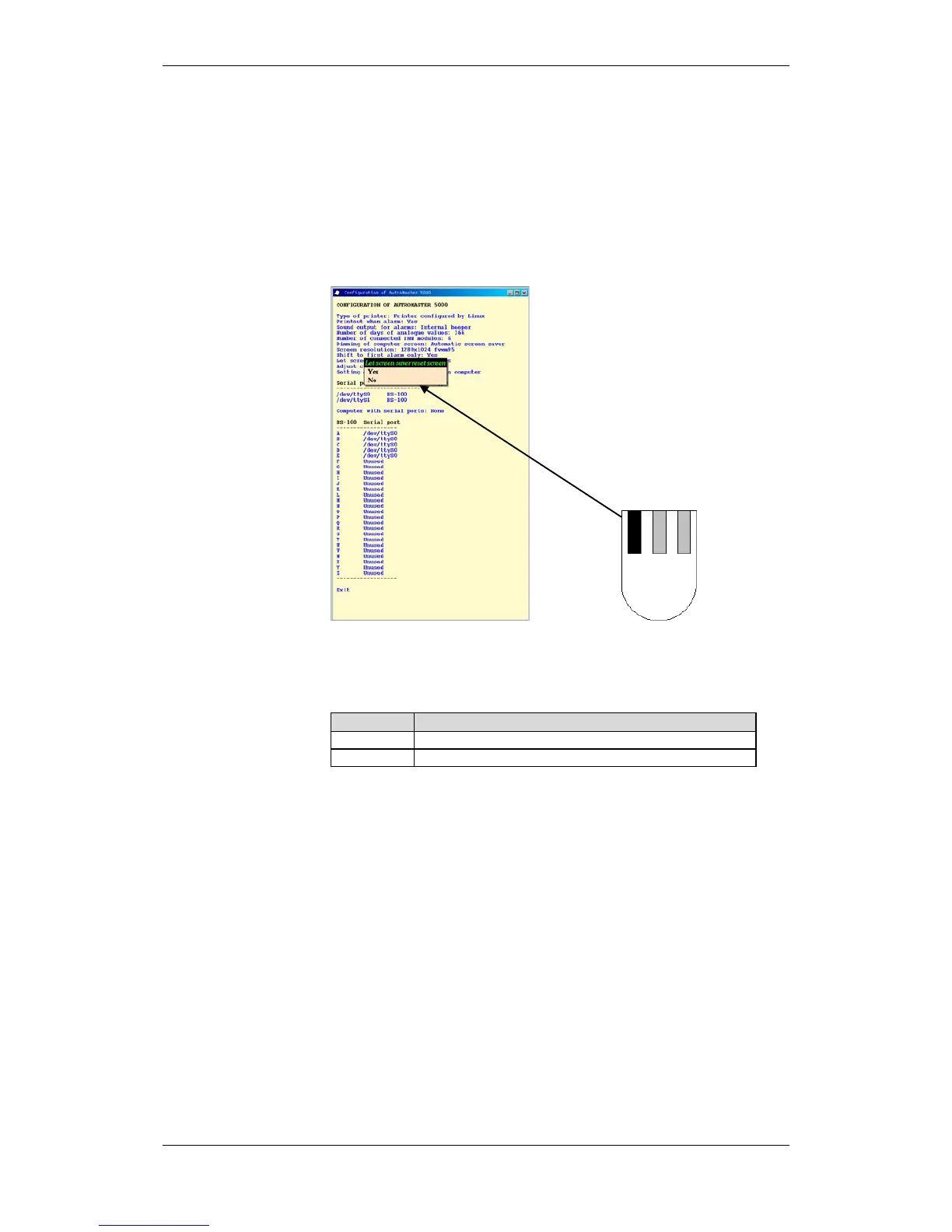
It is possible to define whether the Reset screen command (first option
in the menu) is to be executed when the screen saver is activated.
Click and hold down the left mouse button and select Yes or No.
Reset screen normalises all windows, and restores the security level to
1 (Observe).
Screen saver/clear screen.

 To Next Page
 Loading...