Recovery Procedures
7-16 Avaya Wireless AP-3 User’s Guide
Reset to Factory Default Procedure
Use this procedure to reset the network configuration values, including
the Access Point’s IP address and subnet mask. The current AP Image is
not deleted. Follow this procedure if you forget the Access Point’s
password:
1. Press and hold the RELOAD button for 10 seconds.
NOTE:
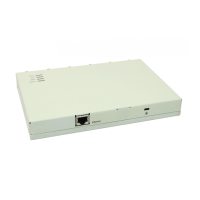
See RELOAD and RESET Buttons to identify the buttons. You need
to use a pin or the end of a paperclip to press a button.
Result: The AP reboots, and the factory default network values
are restored.
2. If not using DHCP, use the ScanTool or CLI over a serial
connection to set the IP address, subnet mask, and other IP
parameters. See The Command Line Interface for CLI information.



 To Next Page