System Requirements
2-6 Avaya Wireless AP-3 User’s Guide
5 GHz Antenna Adapter or AP-3 11a Upgrade Kit
The 5 GHz Antenna Adapter or 11a Upgrade Kit (used with software
release 2.3) can be used in the Access Point. Because the 802.11a
requires an antenna adapter, only one 5 GHz radio can be installed in the
AP. The second slot can be populated with an 802.11b or 802.11b/g card.
System Requirements
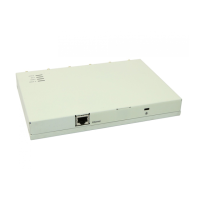
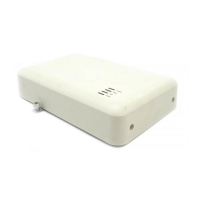
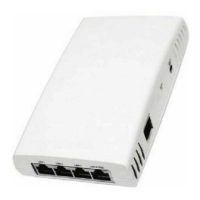
The following are the minimum requirements to begin using an AP:
• A 10Base-T Ethernet or 100Base-TX Fast Ethernet switch or hub
• At least one radio card designed for the AP:
— an 802.11b PC Card,
— 802.11b/g Card,
— 5 GHz Antenna Adapter Kit, or
— 11a Upgrade Kit
• At least one of the following IEEE 802.11-compliant devices:
You will need an: If you have an:
802.11a client device 802.11a AP
802.11b or 802.11b/g client device 802.11b AP
802.11b/g client device 802.11b/g AP



 To Next Page