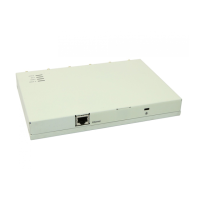
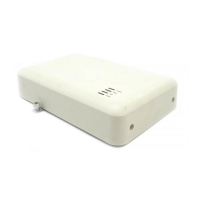
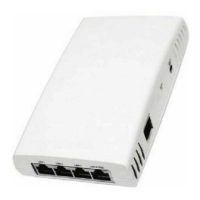
Hardware Installation
Avaya Wireless AP-3 User’s Guide 2-7
• A computer that is connected to the same IP network as the AP and
has one of the following Web browsers installed:
— Microsoft Internet Explorer 6 with Service Pack 1 or later and
patch Q323308
— Netscape 6.1 or later
(The computer is required to configure the AP using the Web or
HTTP interface.)
Hardware Installation
• AP-3 with Active Ethernet
• AP-3 with Power Supply
• 5 GHz or AP-3 11a Upgrade Kit
AP-3 with Active Ethernet
1. Slide the AP module onto the mounting bracket. Make sure it is
properly seated.



 To Next Page