Hardware Installation
2-10 Avaya Wireless AP-3 User’s Guide
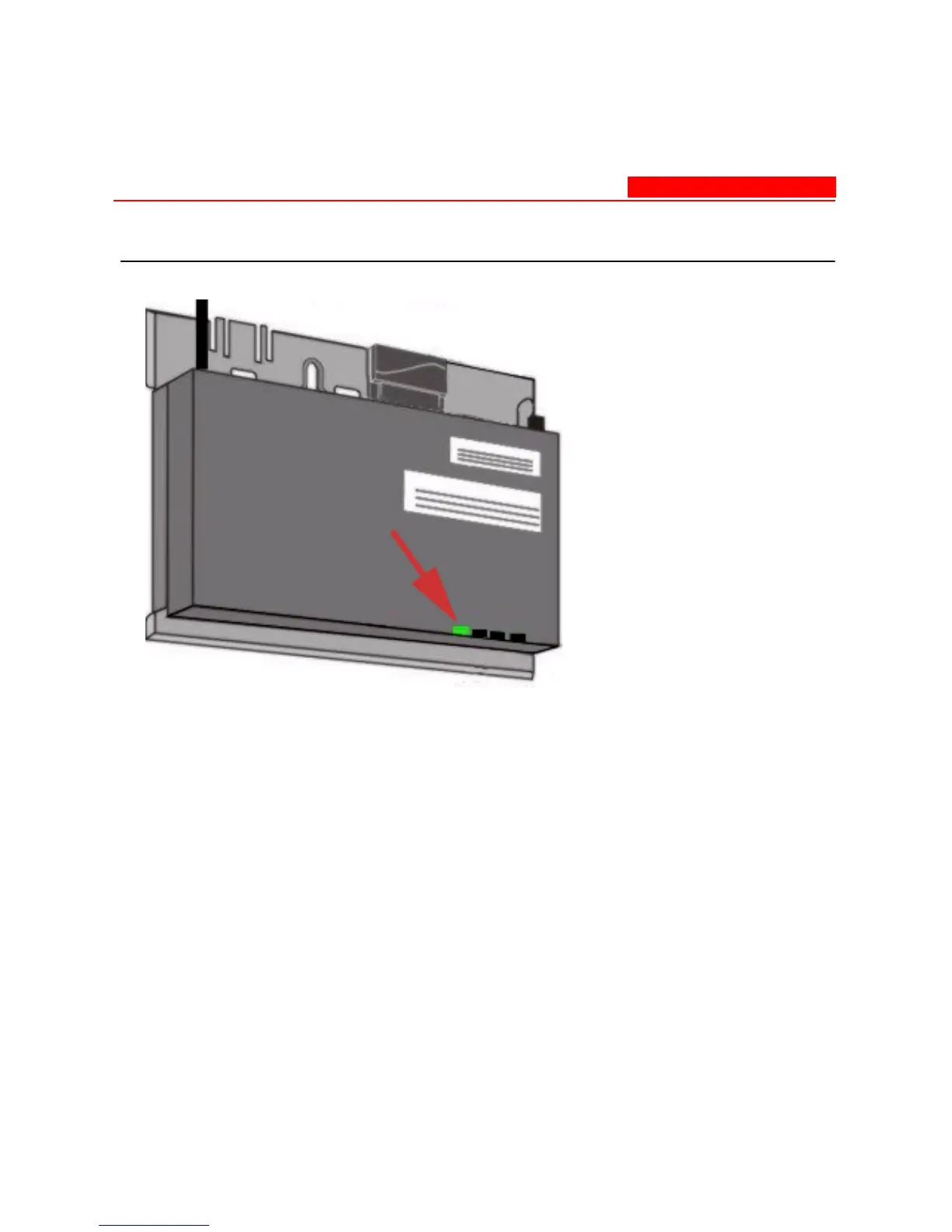
Figure 2-3. Connect an Ethernet cable from an AE hub to the AP
6. Conduct a Site Survey to determine the best location for your
device. If you need assistance, contact your reseller for help.
7. Once you have chosen a final location for your unit, mount the wall
bracket and the processor module and place the cover onto the
unit as shown.



 To Next Page