Hardware Installation
2-14 Avaya Wireless AP-3 User’s Guide
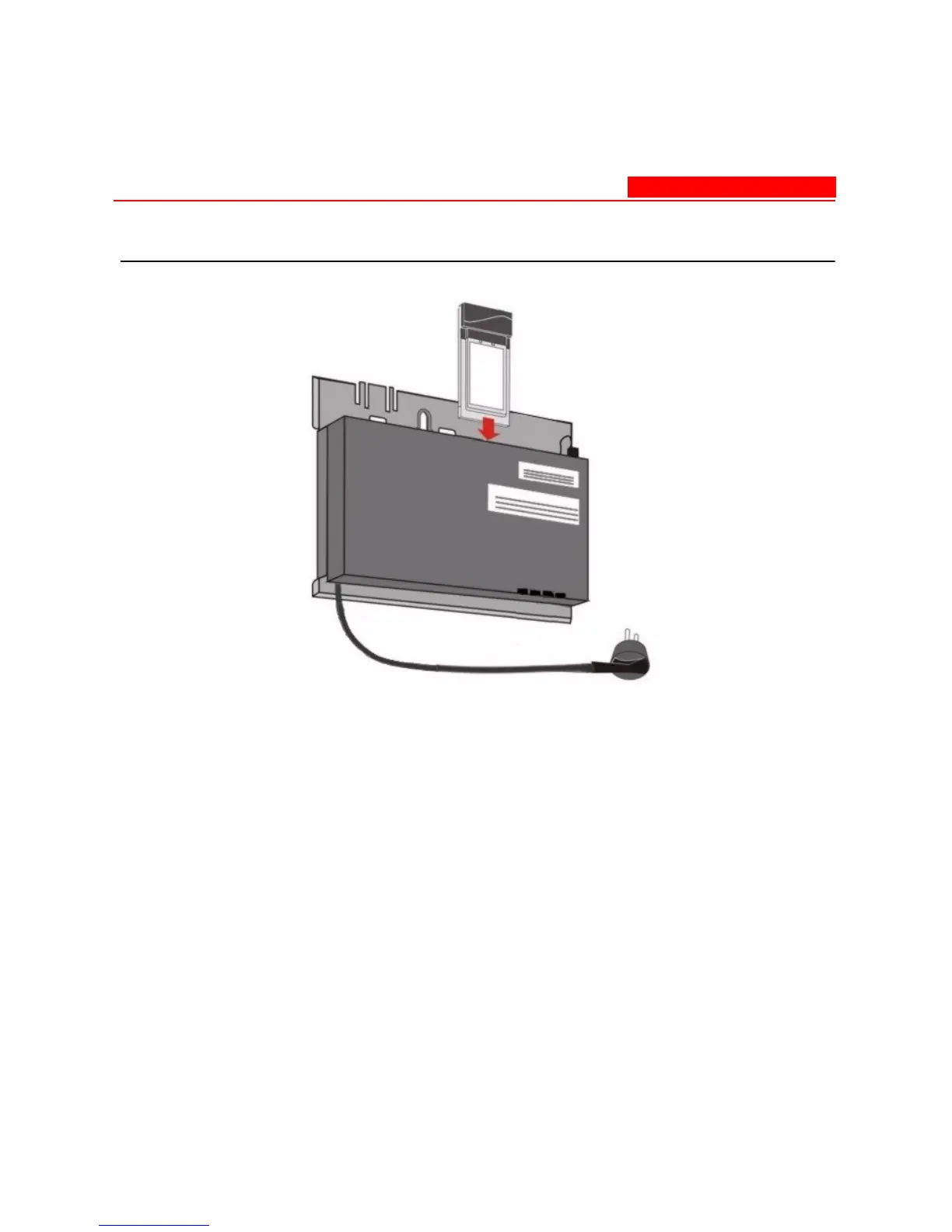
Figure 2-7. Slide a PC Card into the AP
5. Attach one end of an Ethernet cable to the AP's Ethernet port and
the other end to a network hub or switch.
6. Connect the unit to a power source.
7. Wait for the power LED to turn green before proceeding.



 To Next Page