Hardware Installation
Avaya Wireless AP-3 User’s Guide 2-17
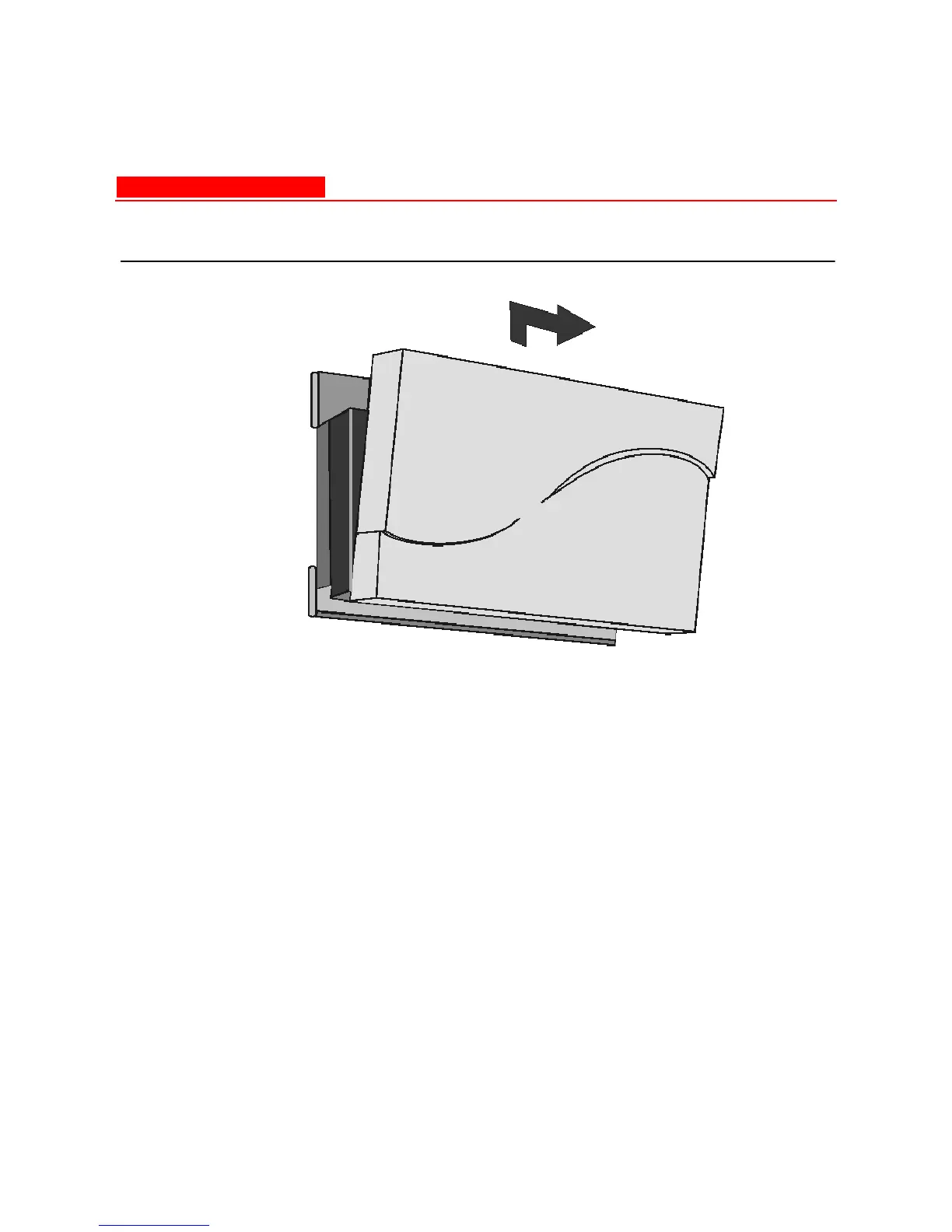
Figure 2-10. Remove the AP cover
4. Make sure you have at least one card slot available. The power or
Ethernet cable tie wrap may need to be cut and the cable
repositioned to allow the antenna adapter to fit correctly.
5. Position the antenna adapter, card inward, facing the top of the unit
(see Figure 2-11 Insert Card and Antenna) and insert the 5 GHz
card into the available card slot.



 To Next Page