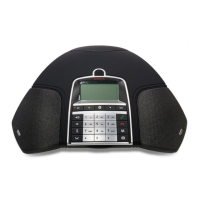
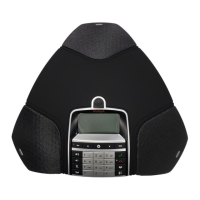
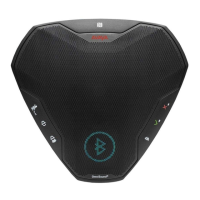
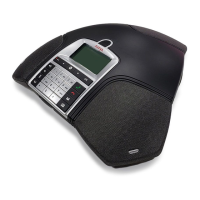
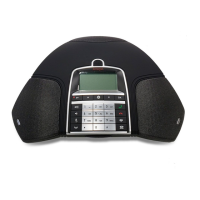
Other icons of B199 Conference Phone
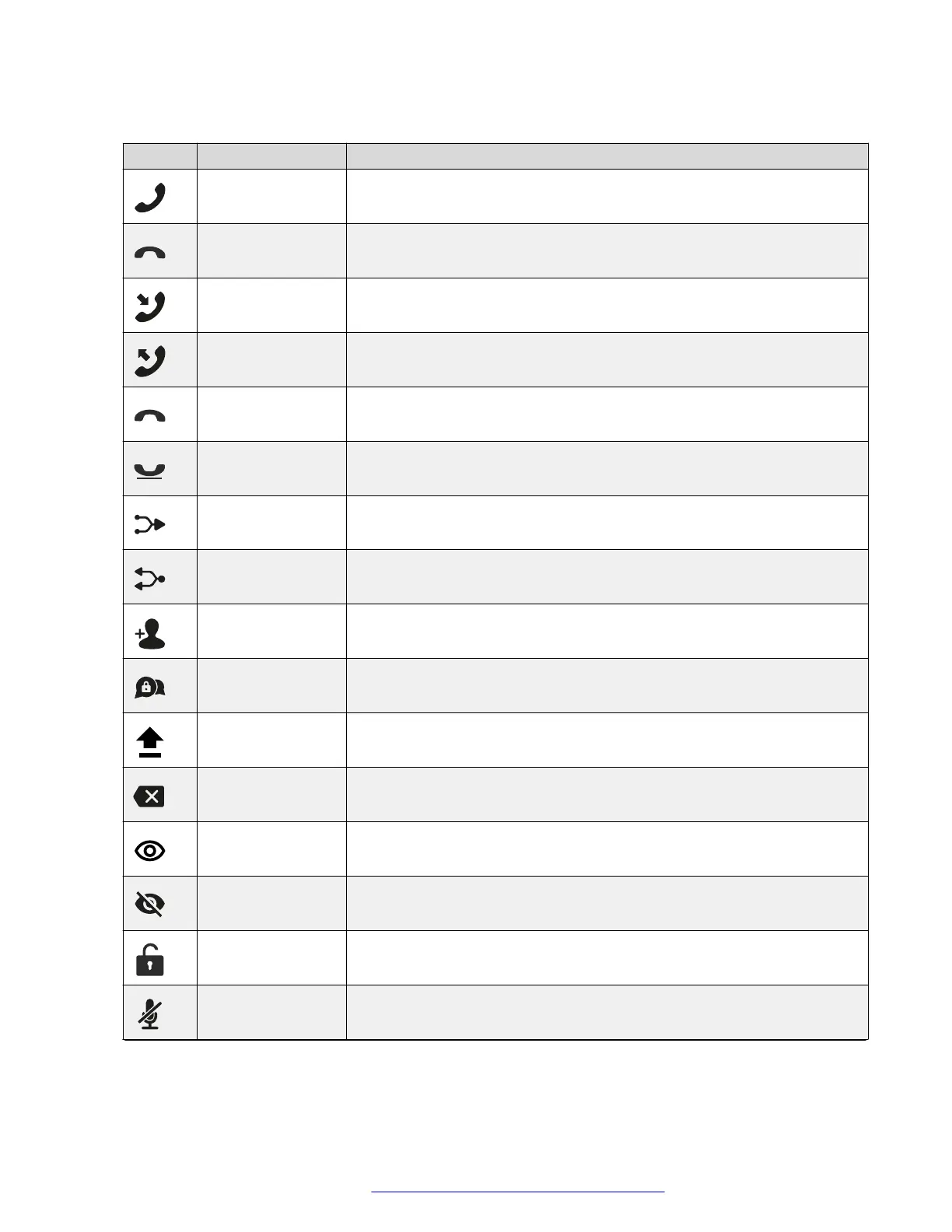
Icon Name Description
Make Call or
Answer
To indicate the phone off-hook status and answer an incoming call.
Hang Up To indicate the phone on-hook status and end a call.
Incoming To show an incoming call.
Outgoing To show an outgoing call.
Missed To indicate a missed call.
Hold or On Hold To put a call on hold or to indicate that a call is on hold.
Conference To arrange a conference call.
Split To split a conference call into several separate calls.
Add Participant To add a participant to a conference call.
Talk Private To arrange a private discussion with a participant of a conference call.
Caps To type in capital letters.
Delete To delete an unneeded number or letter.
Visibility To mark whether the characters must stay visible to the user, for example,
when logging in with the password.
Invisibility To mark whether the characters must stay invisible to the user, for
example, when logging in with the password.
Logged In To indicate that the user logged in as the administrator.
Microphone Muted To indicate that the phone is in muted state.
Table continues…
Icons
August 2020 Using Avaya Conference Phone B199 15
Comments on this document? infodev@avaya.com


 To Next Page