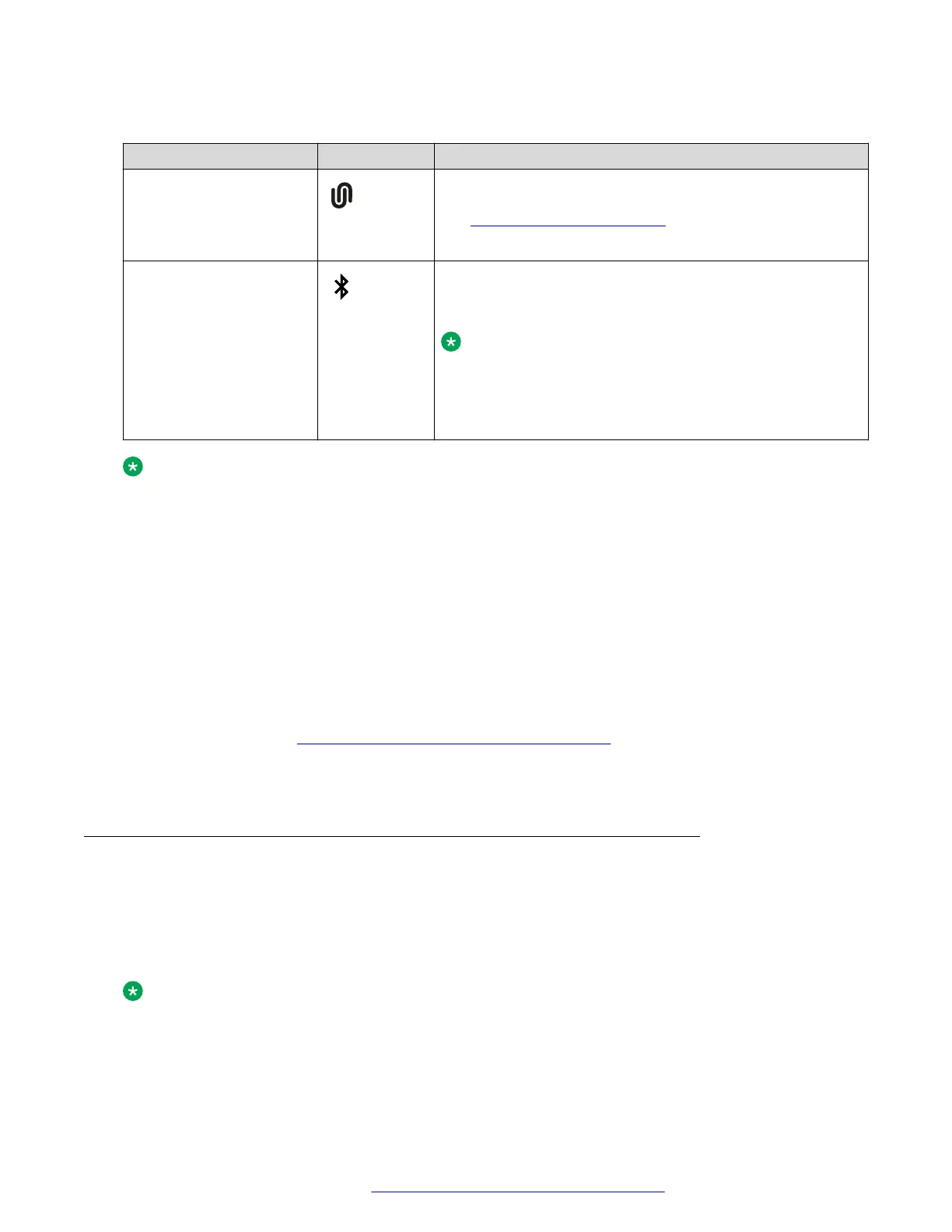
B199 Conference Phone supports the following Bluetooth technologies:
Bluetooth technology B199 icon Functionality
Bluetooth LE To connect to a mobile device with Avaya
®
Conference
Assistant application installed on it. For more information,
see Avaya Conference Assistant on page 45.
This is the default mode.
Bluetooth Classic To connect to Bluetooth devices, such as mobile phones,
tablets, and personal computers, for call handling or audio
streaming.
Note:
To use the Bluetooth Classic functionality on B199
Conference Phone, your Bluetooth device must support
Hands-Free Profile (HFP) and Advanced Audio
Distribution Profile (A2DP).
Note:
You cannot use Bluetooth LE and Bluetooth Classic connection simultaneously.
If you connect B199 Conference Phone to a Bluetooth device, you cannot connect it to a
mobile device with the Avaya
®
Conference Assistant application until you end the connection
to the Bluetooth device.
If you connect B199 Conference Phone to a mobile device using the Avaya
®
Conference
Assistant application, you cannot connect it to another Bluetooth device until you end the
connection to Avaya
®
Conference Assistant.
Switching between the Bluetooth modes
Bluetooth LE is the default mode.
To switch to Bluetooth Classic, you must pair and connect B199 Conference Phone to a Bluetooth
device as described in
Pairing and connecting Bluetooth devices on page 41.
B199 Conference Phone restores the Bluetooth LE mode when you end the Bluetooth Classic
connection.
Pairing and connecting Bluetooth devices
About this task
To enable Bluetooth communication between B199 Conference Phone and another Bluetooth
device, you must pair the two devices and ensure that they are in a connected state. The devices
stay in a paired state until you remove the pairing.
Note:
You can connect only one device supporting Bluetooth at a time.
Bluetooth connection
August 2020 Using Avaya Conference Phone B199 41
Comments on this document? infodev@avaya.com



 To Next Page