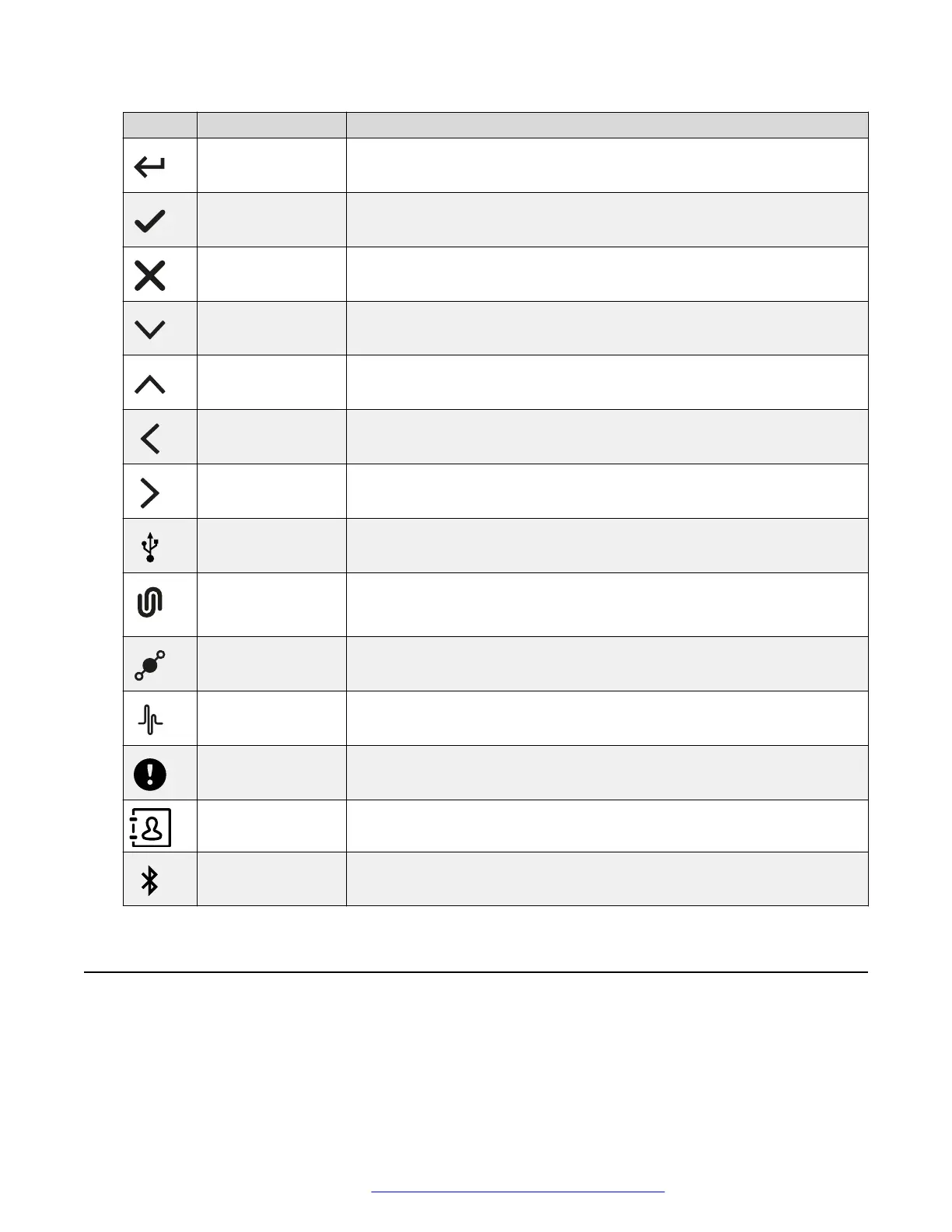
Icon Name Description
Enter To confirm the input of information.
Confirm To confirm the information.
Reject To discard the information.
Arrow Down To move to the sections below.
Arrow Up To move to the sections above.
Arrow Left To return to the previous page.
Arrow Right To move to subsections of a section.
USB Connected To indicate an active USB connection.
Avaya
®
Conference
Assistant
connected
To show the connection of the phone to Avaya
®
Conference Assistant.
Daisy Chain Mode To indicate that the phone is in a daisy chain mode.
Loading To show that the phone is loading the new version of the firmware or new
setting from DES server.
DES warning icon To notify the user of issues which occurred during the automatic
provisioning process performed using Device Enrollment Services.
Contacts To show that the LDAP external phone book is available.
Bluetooth
connection
To indicate an active Bluetooth Classic connection.
LED status indicators
The LEDs on the phone indicate the status of a call, such as an incoming call, a call on hold, or a
call on mute, or the status of the phone. The LEDs emit bright red, green, and blue colors that are
visible over a distance to draw your attention to the phone status as required.
Overview
August 2020 Using Avaya Conference Phone B199 16
Comments on this document? infodev@avaya.com



 To Next Page