Time/Date page
To access this page, click the Phone settings tab and then click Time/Date.
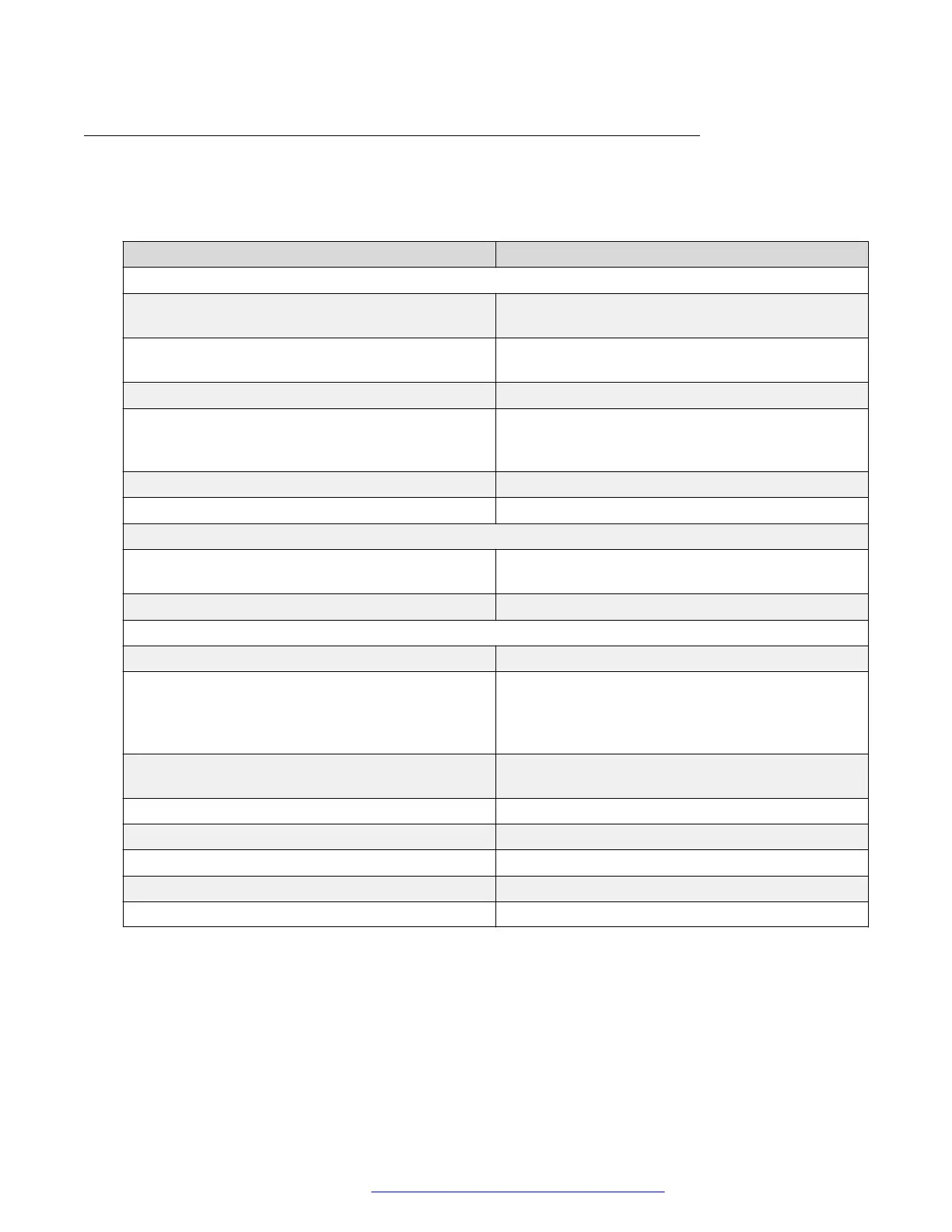
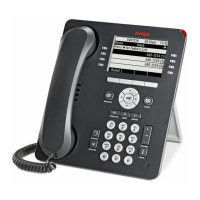
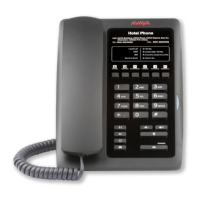
The following table describes time settings to be configured for the Avaya H239 and H249 phones:
Option Description
Network Time Server Settings
Time Synchronized via SNTP Use this check box to enable time synchronization
through the SNTP protocol.
Time Synchronized via DHCP Use this check box to enable time synchronization
through the DHCP protocol.
Primary Time Server Primary time server address.
Secondary Time Server Secondary time server address. When the primary
server is not reachable, the device connects to the
secondary time server to get time synchronization.
Time zone Time zone for the device.
Resync Period Time of re-synchronization with the time server.
Date Format
12-hour clock Use this check box to enable time display in 12-
hour mode.
Date Format Time/date display format.
Daylight Saving Time Settings
Location The user's time zone specific area.
DST Set Type Type of DST setting:
• Automatic: based on the preset rules of DST.
• Manual: manually input rules.
Fixed Type Use this option to set specific dates for conversion.
In the automatic mode, it is displayed as read-only.
Offset DST offset time.
Month Start/End DST start/end month.
Week Start/End DST start/end week.
Weekday Start/End DST start/end weekday.
Hour Start/End DST start/end time.
You can also set the date and time manually by choosing the desired date and time in the Manual
Time Settings section.
Phone settings tab
October 2019 Installing and Administering the Avaya H239 and H249 Phones 37
Comments on this document? infodev@avaya.com


 To Next Page