In the Action URL Event Settings fields, you can specify the URL for various actions performed
by the phone. These actions are recorded and sent as xml files to the server. The sample format is
http://InternalServer /FileName.xml.
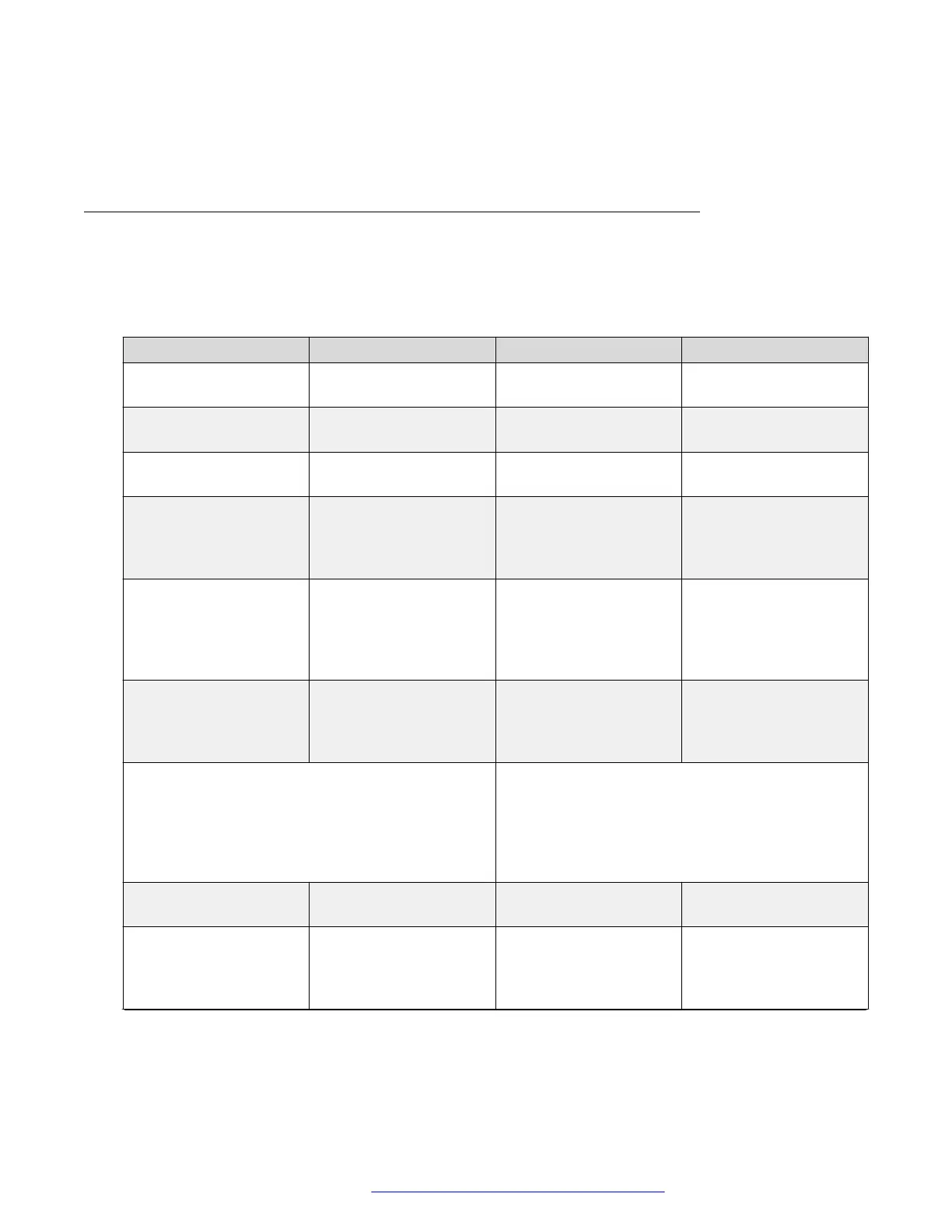
Audio page
To access this page, click the Phone settings tab and then click Audio.
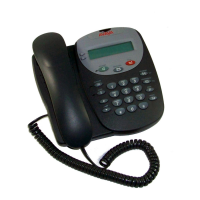
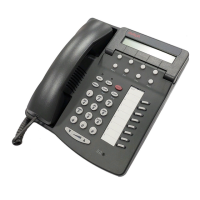
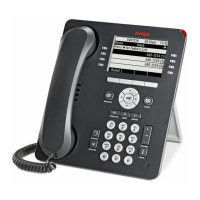
The following table describes the audio settings to be configured for the Avaya H239 and H249
phones:
Option Description Option Description
First Codec The first preferential
DSP codec.
Second Codec The second preferential
DSP codec.
Third Codec The third preferential
DSP codec.
Fourth Codec The fourth preferential
DSP codec.
Fifth Codec The fifth preferential
DSP codec.
Sixth Codec The sixth preferential
DSP codec.
Onhook Time The least reflection time
for when the handset is
down. The default is 200
ms.
Handset Volume Use this option to set the
handset volume. The
value must be from 1 to
9.
Tone Standard Country standard of call
progress tones, including
dial tone, busy tone, and
ring-back tone.
Default Ring Type If the caller ID of an
incoming call is not
configured with a
specific ring type, the
default ring is used
Speakerphone Volume Use this option to set the
speakerphone volume.
You can enter a value
between 0 to 9.
Speakerphone Ring
Volume
Use this option to set the
ring volume. You can
enter a value between 0
to 9.
Region Select You can set one of the following options:
• Global: Provides acoustic tuning for use in all
regions.
• North America: Provides a tuning that is
optimized for hearing aid compatibility.
G.729AB Payload
Length
Length of the G729
Payload.
G.723.1 Bit Rate You can select 5.3kb/s
or 6.3kb/s.
G.722 Timestamps You can select 160/20
ms or 320/20 ms.
DTMF Payload Type Use this option to set the
DTMF payload type. The
value must be from 96 to
127.
Table continues…
Phone settings tab
October 2019 Installing and Administering the Avaya H239 and H249 Phones 35
Comments on this document? infodev@avaya.com


 To Next Page